7700 Multiframe Manual
7725DSK-LG / 7725DSK-LG-HD HD/SD Logo Inserter & Media Keyer
Page 3-36 Revision 1.4 VLPRO OPERATION
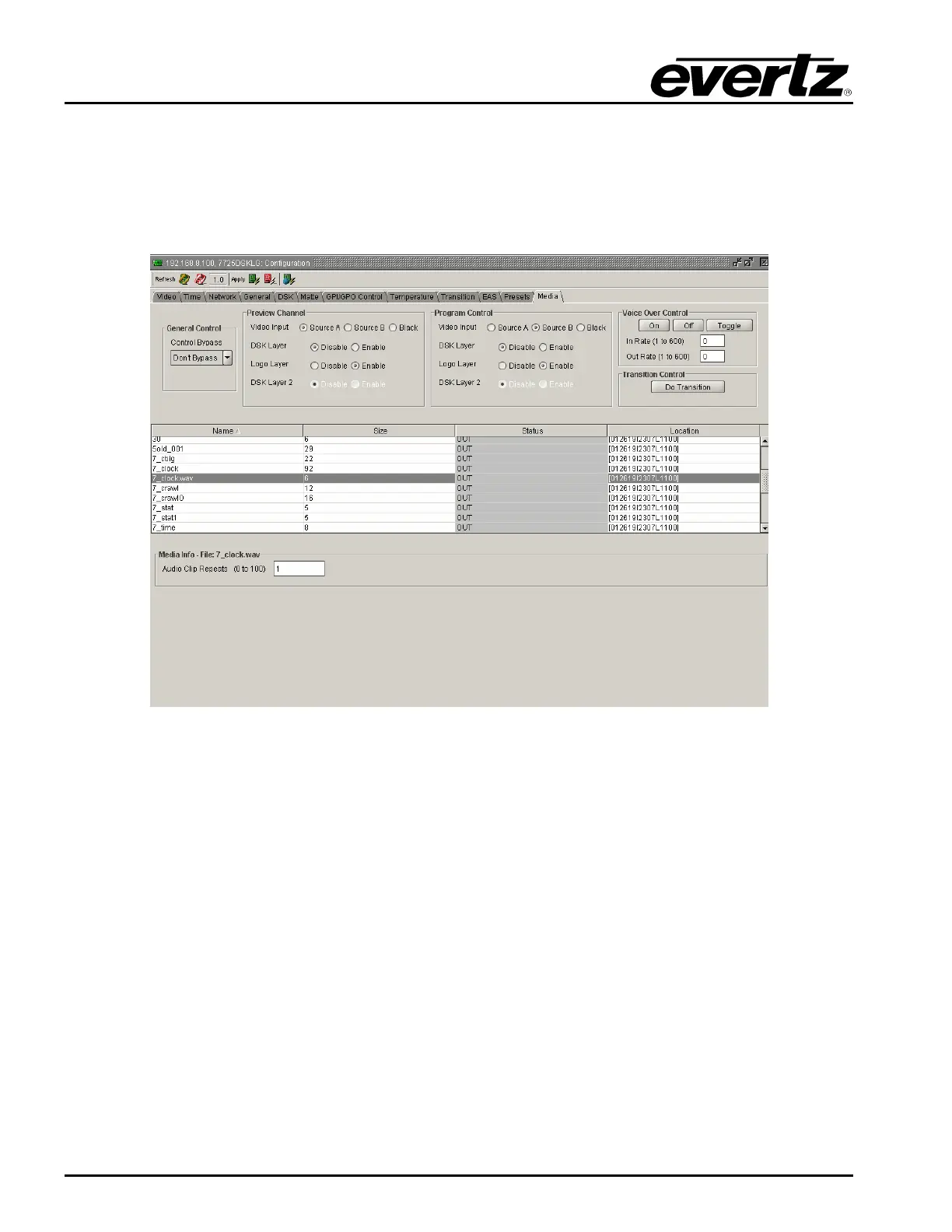
3.13.10. Audio Clip Configuration Settings
The 7725DSK-LG has the ability to insert audio clips into the program audio path.
Please note that the 7725DSK-LG does not currently support playlists, and therefore the audio clips
can only be played by themselves.
Figure 3-20: Audio Clip Configuration Settings
3.13.11. Setting the Audio Clip Repeat Count
This menu item is used to set the number of times the audio clip will play.
• If you set the Repeat control to 0 the audio clip will play continuously.
• Otherwise, enter into the Audio Clip Repeats (0 to 100) field, the appropriate number of time
which you wish the audio to repeat.



 To Next Page