7700 Multiframe Manual
7725DSK-LG / 7725DSK-LG-HD HD/SD Logo Inserter & Media Keyer
Page 2-14 Revision 1.4 INSTALLATION
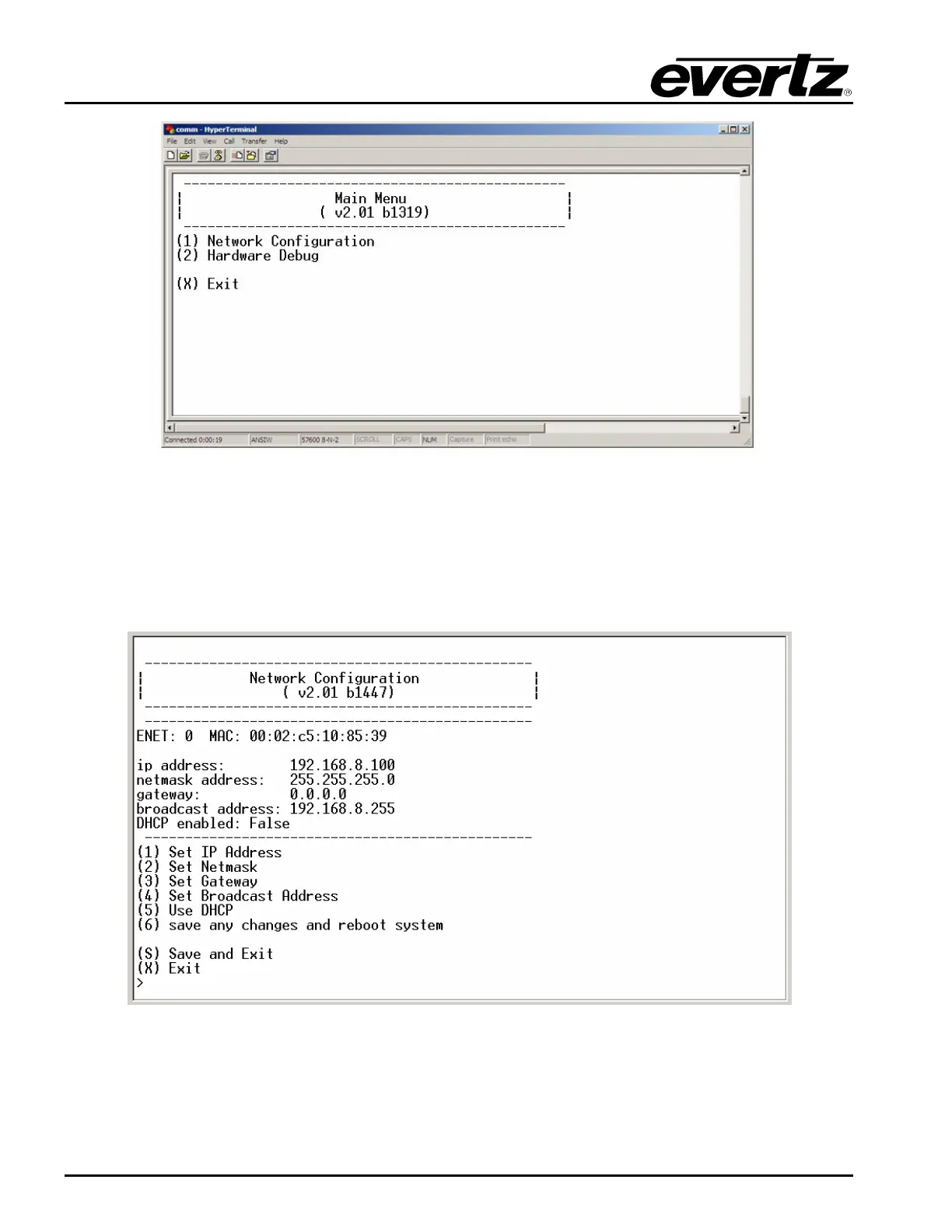
Figure 2-7: HyperTerminal – Main Menu
2.11.1.
Network Configuration
4) To open a menu item, type the corresponding number from the list, and then press <ENTER>.
Select option (1) Network Configuration from the Main Menu to set the IP parameters for the
7725DSK-LG module.
Figure 2-8: HyperTerminal – Network Configuration



 To Next Page