7700 Multiframe Manual
7725DSK-LG / 7725DSK-LG-HD HD/SD Logo Inserter & Media Keyer
Page 3-2 Revision 1.4 VLPRO OPERATION
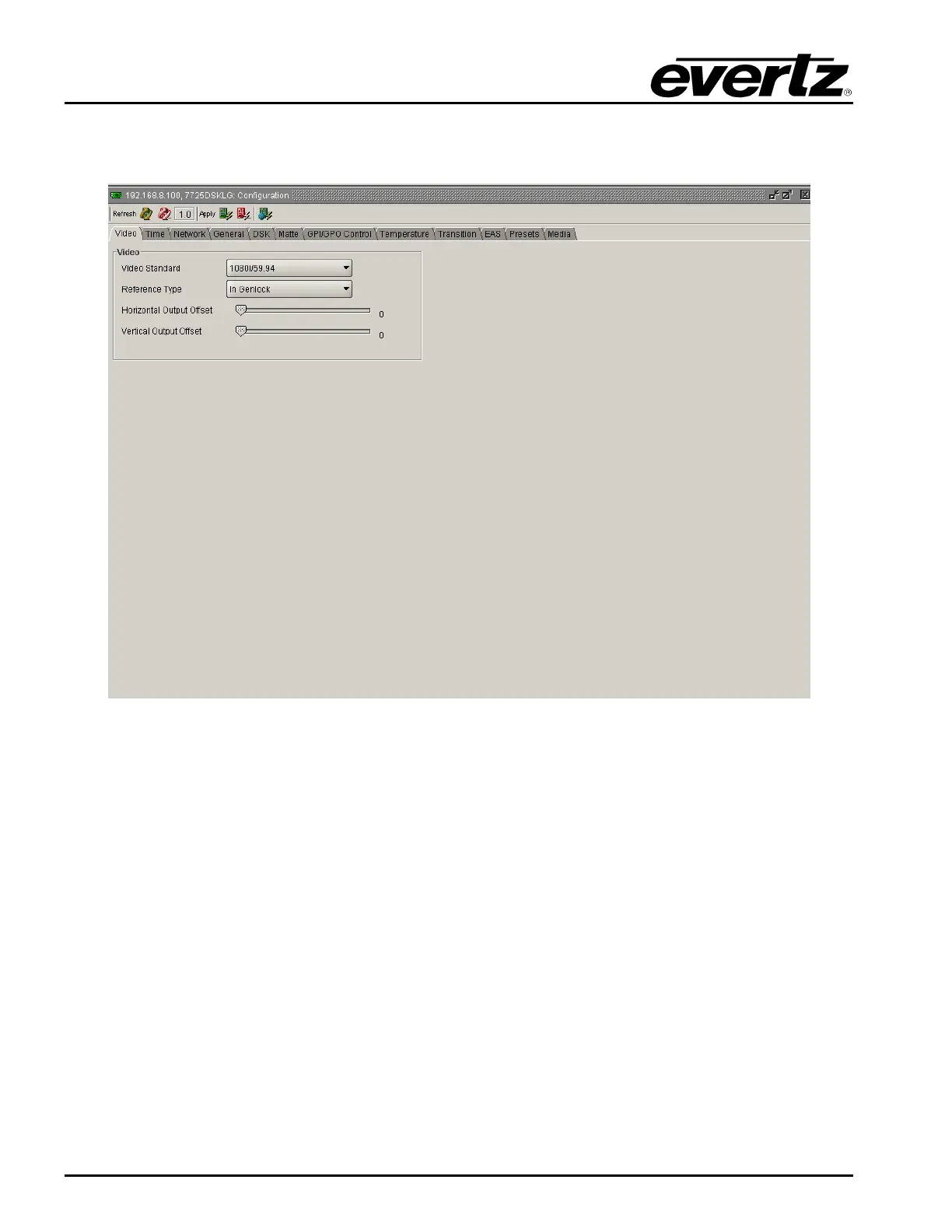
3.2. VIDEO TAB
The Video tab enables the user to set the parameters for the video connections.
Figure 3-1: Video Window
3.2.1. Video Standard
This option is used to set the video standard in use.
525i/59.94: Select 525i/59.94 for operation with 4 x 3 aspect ratio 525i/59.94 video
conforming to SMPTE 125M. (SD Units)
16x9 525i: Select 16x9 525i for operation with 16 x 9 aspect ratio 525i video conforming to
SMPTE 125M. (SD Units)
625i/50: Select 625i/50 for operation with 4 x 3 aspect ratio 625i/50 video conforming to
EBU TECH 3267-E. (SD Units)
720p/50: Select 720p/50 for operation with 720p/50 video conforming to SMPTE 296M.
(HD units only)
720p/59.94: Select 720p/59.94 for operation with 720p/59.94 video conforming to SMPTE
296M. (HD units only)



 To Next Page