7700 Multiframe Manual
7725DSK-LG / 7725DSK-LG-HD HD/SD Logo Inserter & Media Keyer
Page 3-26 Revision 1.4 VLPRO OPERATION
3.12. PRESETS TAB
The 7725DSK-LG has 10 user presets that can store pre-defined configurations for such things as
Matte settings, Transition settings and DSK settings. The parameter values stored are the menu
settings that are currently based on the status of the Program Bus. Therefore, if you would like to
store a preset that has a 2.35 matte applied, you must first configure the “Matte Aspect” and “Matte
Enable” options, and then store the preset at one of the user preset addresses. When presets are
recalled, the settings are recalled to the Preview Bus and will not show on the Program Bus until the
DO TRANSITION button is pressed, or a GPI trigger invokes the transition.
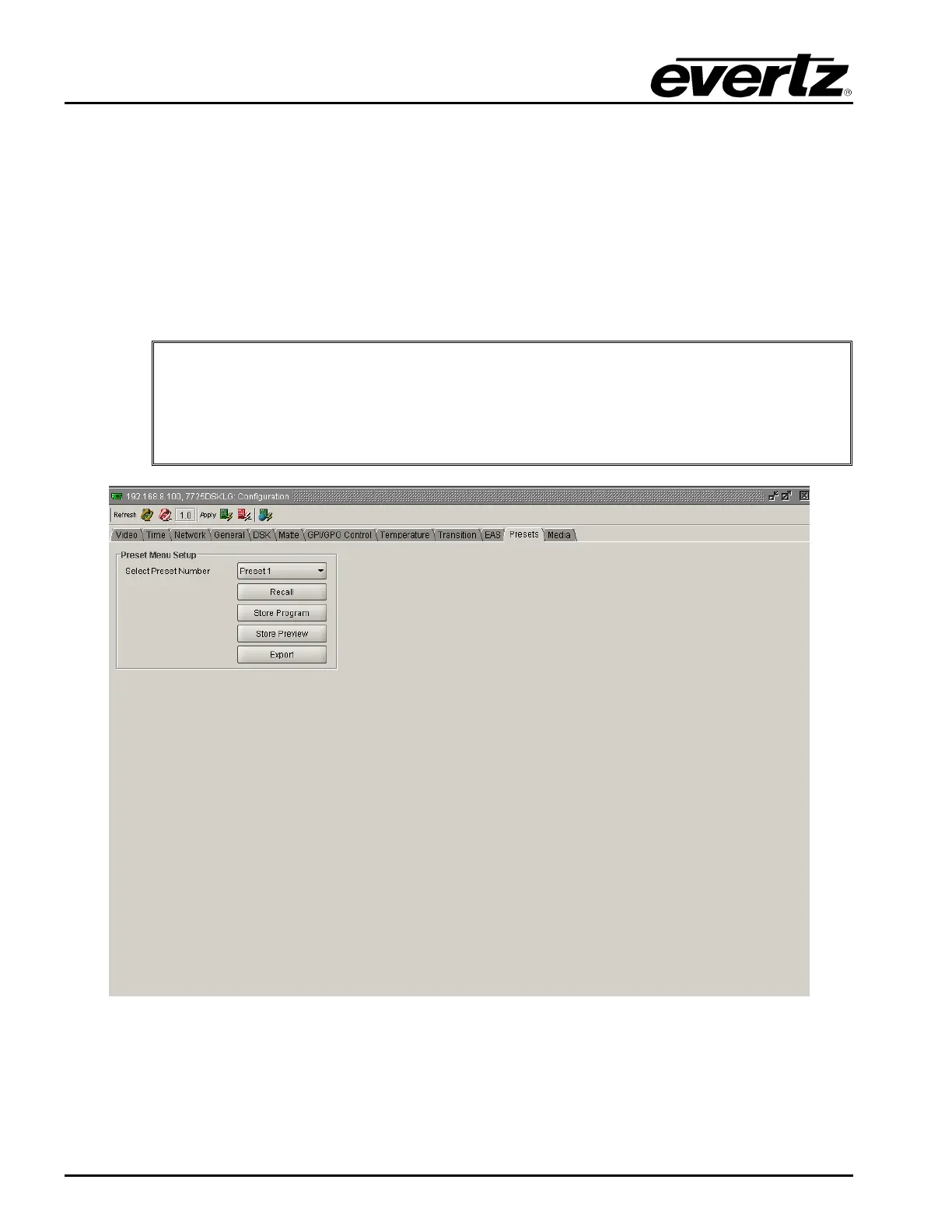
The PRESET setup window is used to store and recall user presets.
"
After upgrading the 7725DSK-LG with new firmware, all presets should be recalled
using the Recall Preset menu item, the values for new features must be set, and the
preset must be saved again using the Store Preset menu item.
IF THIS IS NOT DONE, OLD PRESETS COULD BE RECALLED WITH UNDESIRABLE
SETTINGS.
Figure 3-12: Presets Window
PRESET: Select the preset number to store or recall.
RECALL: This menu item is used to recall 1 of the 10 user presets to the Preview Bus.



 To Next Page