Getting Started
Brief Checking Procedure
3
3-7
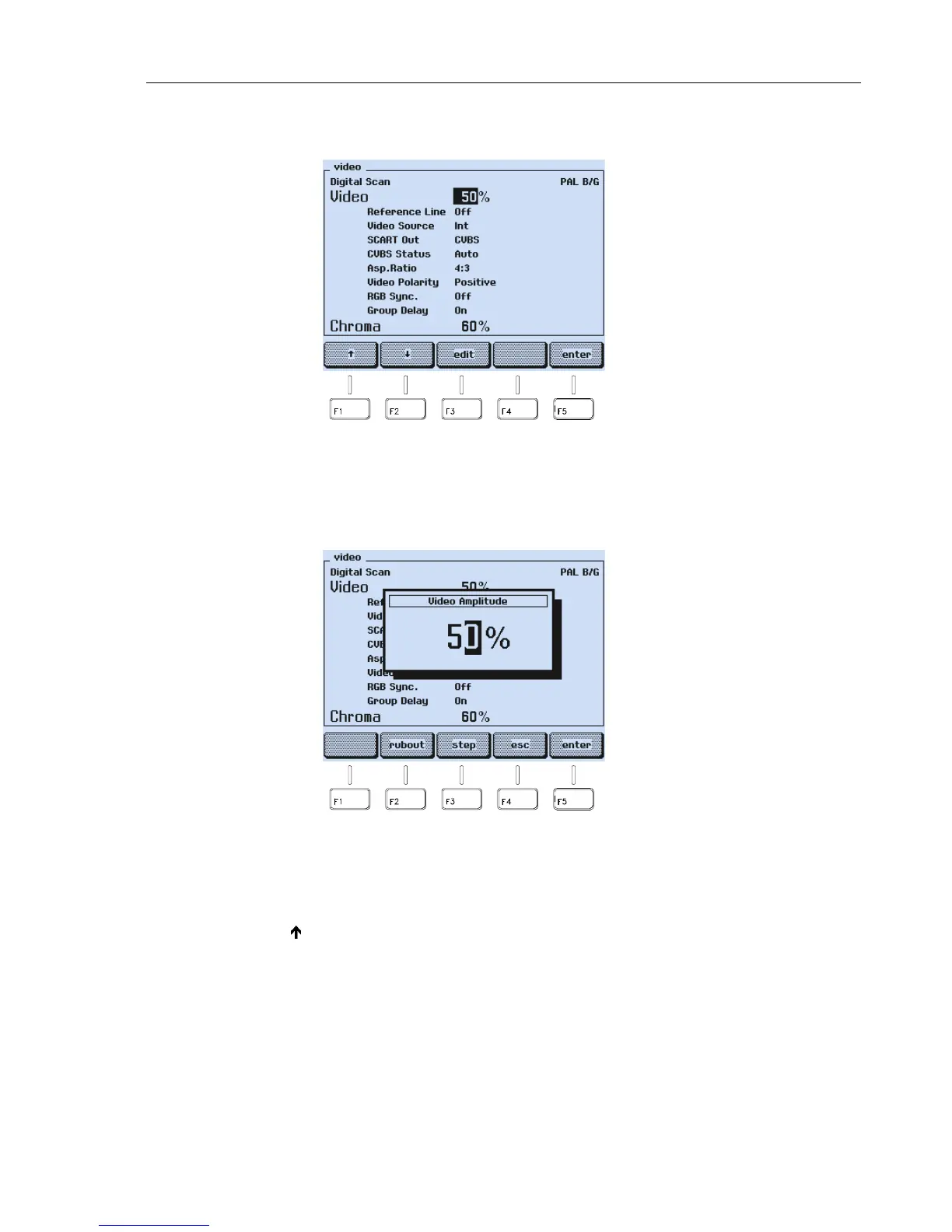
The display shows the
video
submenu with the complete current settings:
Figure 3-6. Video Submenu with Current Setting
•
Press the
edit
softkey (F3).
•
A popup menu for numerical entries appears.
Figure 3-7. Video Amplitude Setting
•
Key in
1 0 0
using numerical keypad.
•
Press the
enter
softkey (F5) to confirm your entry.
•
Press the
é
softkey (F2) to select
Chroma
.
•
Key in
1 0 0
using numerical keypad.
•
Press the
enter
softkey (F5) to confirm your entry.
•
Press the
enter
softkey (F5) again to return to the
main
menu.



 To Next Page