54200
Users Manual
3-8
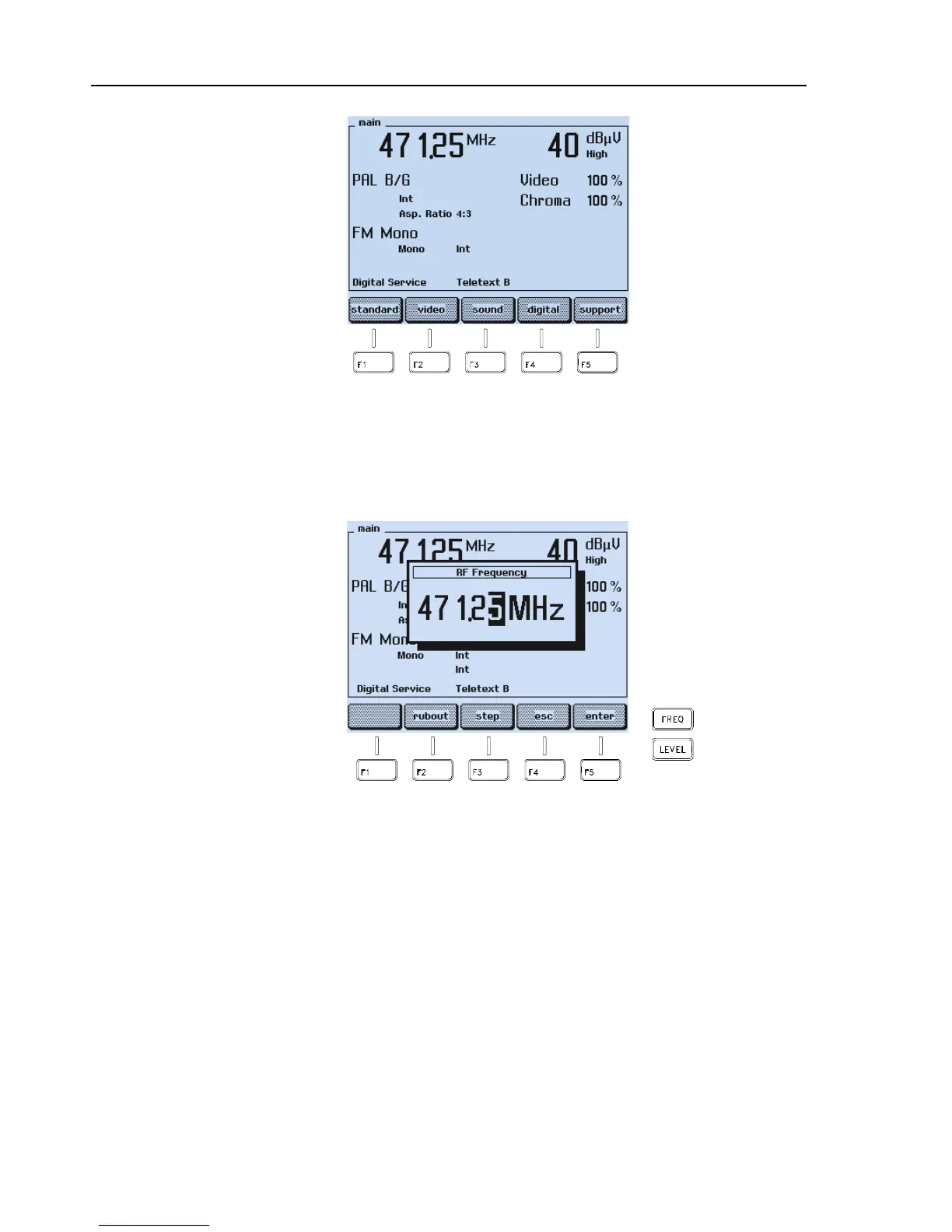
Figure 3-8. Main Menu with changeed Settings
•
Press the
FREQ
key on the right of the display to select an appropriate RF carrier
frequency, for example, 203.25 MHz.
•
A popup menu for numerical inputs appears:
Figure 3-9. Carrier Frequency Setting
•
Key in
2 0 3 . 2 5
using numerical keypad.
•
Press the
enter
softkey (F5) to confirm your entry.



 To Next Page