54200
Users Manual
3-10
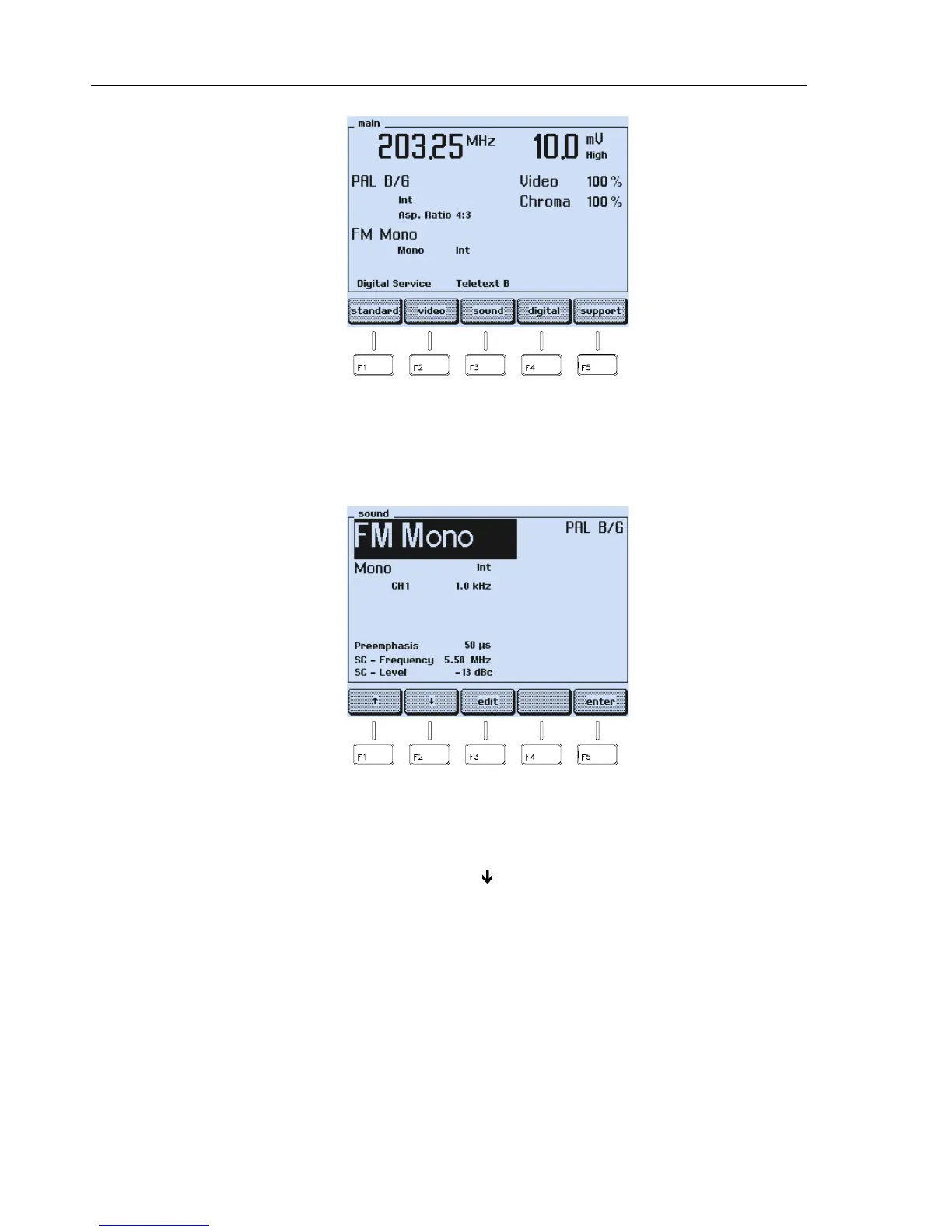
Figure 3-12. Final Settings
•
Press the
sound
softkey (F3) to check the sound settings.
•
The
sound
submenu appears:
Figure 3-13. Sound Parameter Settings
Check if the sound modulation is set to internal (
Int
) and if an appropriate modulation
frequency is selected, for example
,
CH 1 1.0 kHz
.
If not:
•
Select the
CH 1
parameter with the
ê
softkey (F2).
•
Press the
edit
softkey (F3).



 To Next Page