990DSL
Users Guide
4-44
Running a VF Loss Test
To run a VF Loss test, complete the following:
1. Select
VF Loss from the POTS Toolbox, then press L.
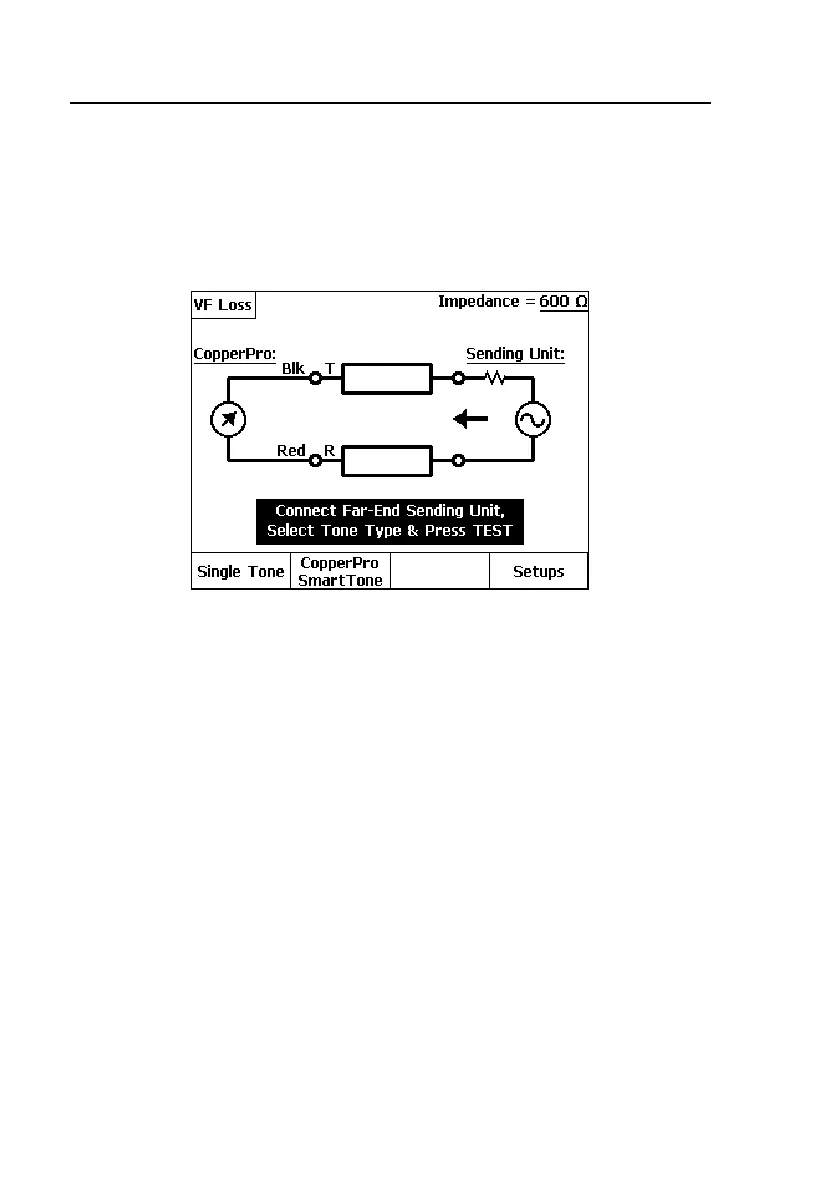
A connection diagram is displayed, as shown in Figure 4-26:
acy108s.eps
Figure 4-26. Connection Diagram for the VF Loss Test
2. Connect the far end sending unit as shown in the diagram.
3. Do one of the following:
• Select A(
Single Tone) if the sending unit is to send a single
frequency.
OR
• Select B(
CopperPro SmartTone) if the sending unit is a CopperPro
tester.
4. Instruct the sending unit to send the tone or tone-set, then press K.



 To Next Page