990DSL
Users Guide
4-8
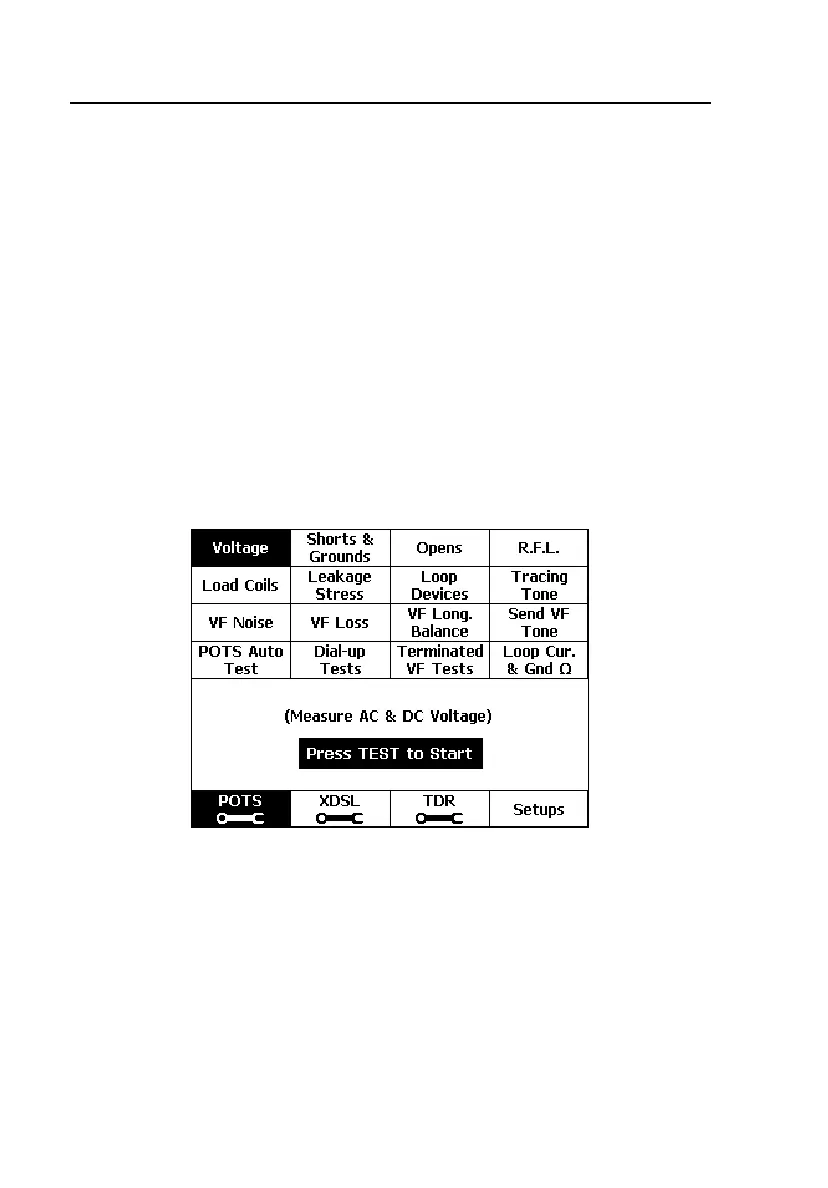
The POTS Toolbox
The POTS Toolbox includes the same tests that are available in the Auto-Test
(see Table 4-1) as well as other fault location tests. This section introduces the
POTS toolbox tests, shows you how to run them, and describes their results.
Running a Test in the POTS Toolbox
• From the Main menu, press A(POTS) to display the POTS toolbox
(Figure 4-3). Press an arrow key to select the desired test, then press K.
OR
• Display the setup menu for the desired test (see “Displaying a Setup
Menu” in Chapter 3), then press K.
To stop a running test, press K.
acy14s.eps
Figure 4-3. POTS Toolbox



 To Next Page