990DSL
Users Guide
4-48
Running a Send VF Tone Test
To send a VF Tone, do the following:
1. Select
Send VF Tone in the POTS Toolbox, then press L.
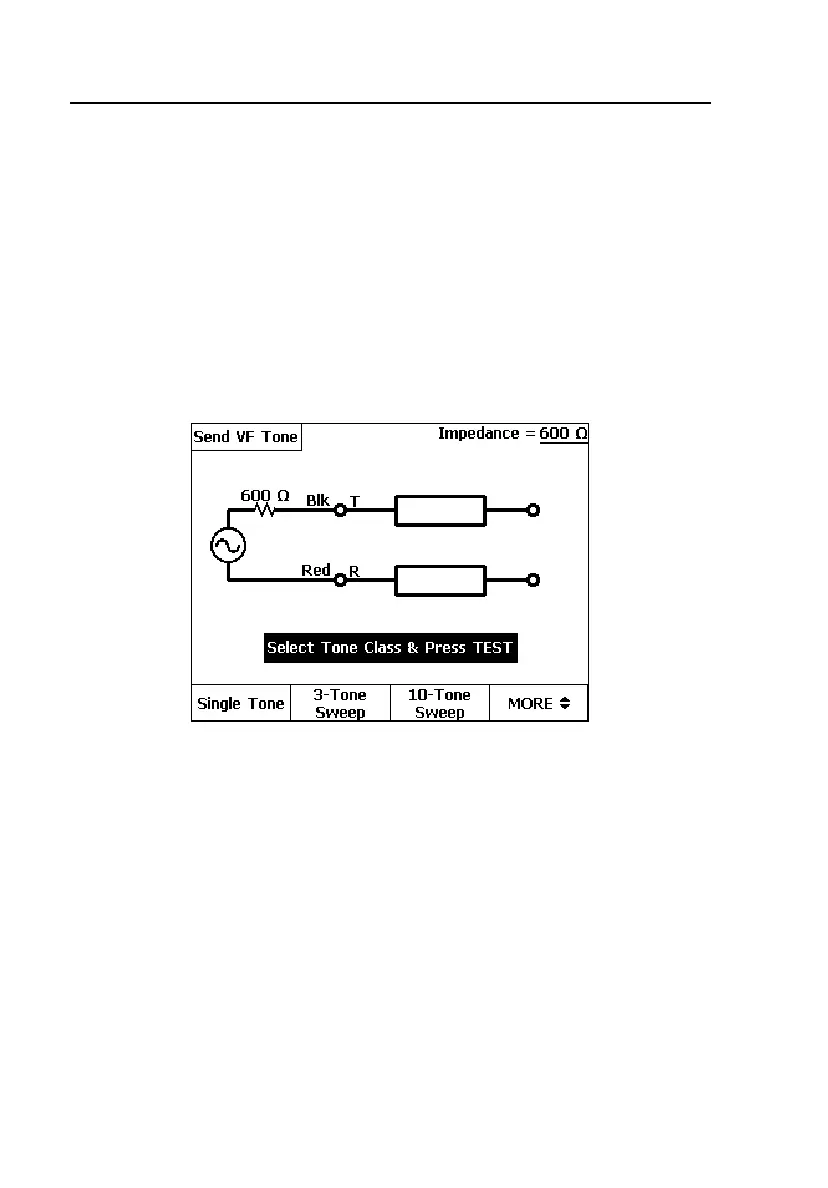
The
Send VF Tone screen is displayed as shown in Figure 4-29.
2. Press the softkey for the desired tone (see Table 4-11 for descriptions).
Press D (
More) to view the second screen of tone selections.
3. Press K.
The tester displays an arrow to indicate the tone is being sent.
acy38s.eps
Figure 4-29. Send VF Tone Screen



 To Next Page