990DSL
Users Manual
7-6
Viewing Stored Test Results
To view test results that are stored in the tester’s memory, press N.
The
Saved Results screen is displayed (see Figure 7-1). From this screen, you
can view the following saved results:
• Text-based results
• TDR waveforms
• Frequency graphs.
The following sections provide instructions for viewing the three types of test
results.
Viewing Text-based Results
To view stored text-based results, press A(View Text Results) on the Saved
Results
screen (Figure 7-1).
The
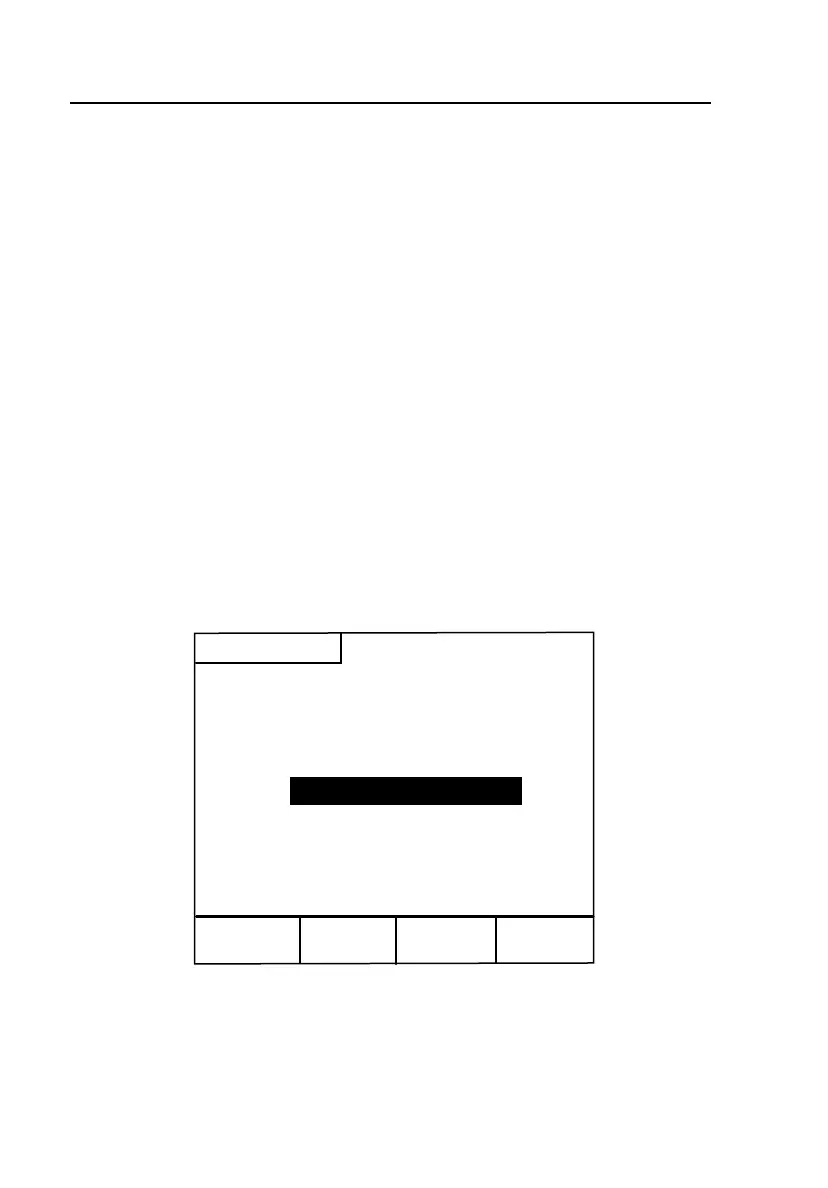
Select Viewing Option screen (Figure 7-2) is displayed:
View All
Results
View by
Filename
View by
Time Stamp
Saved Results
Select Viewing Option
Erase Text
Results
acy92s.eps
Figure 7-2. Saved Results Screen: Viewing Text Results



 To Next Page