990DSL
Users Guide
5-28
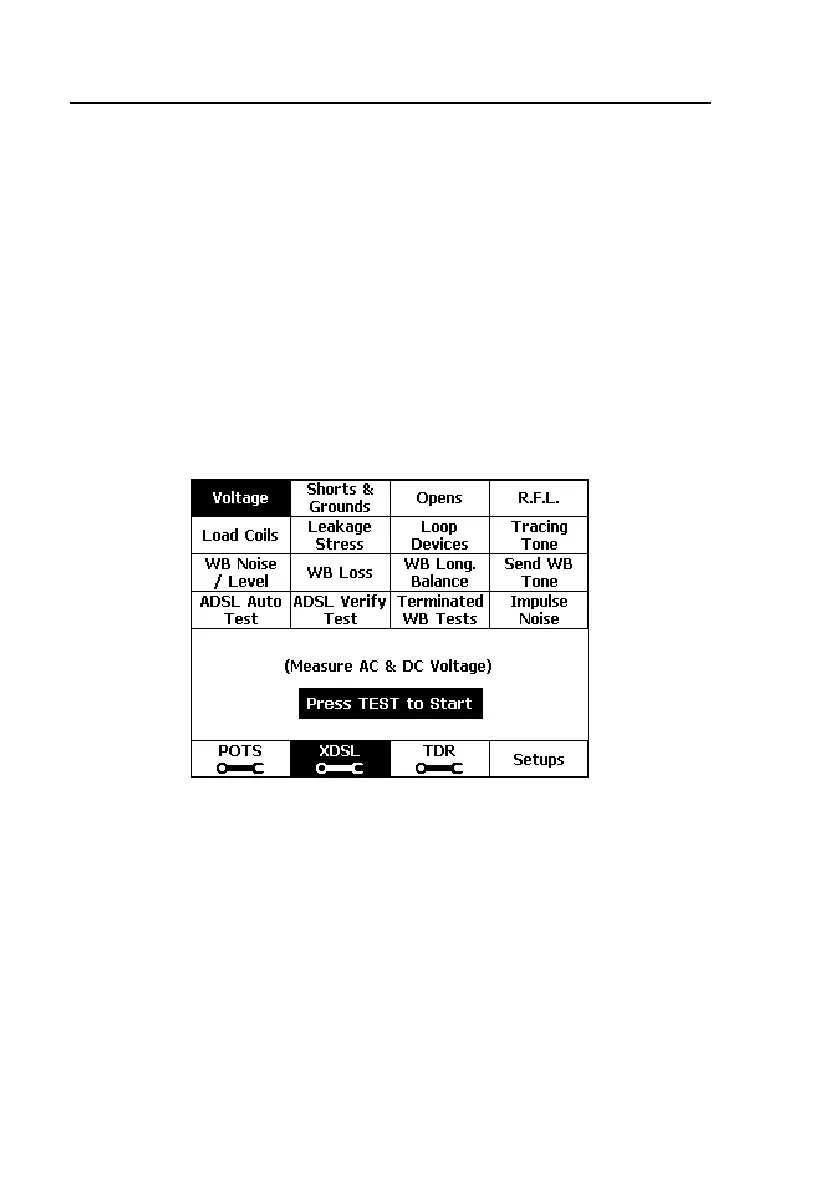
The transmission tests, however, are designed to test pairs for wideband (WB)
and broadband (BB) transmission characteristics rather than voiceband. The
following transmission tests are described in detail in this chapter:
• WB Noise / Level
• WB Loss
• WB Long. Balance
• Send WB Tone
• ADSL Verify Test
• Terminated WB Auto-Tests
• Impulse Noise
acy61s.eps
Figure 5-14. XDSL Toolbox
Starting and Stopping a Test in the XDSL Toolbox
Unless otherwise noted in the section for a particular test, use one of the
following procedures to run a test in the XDSL toolbox:
• From the
Main menu, press B (XDSL). Select the test you want to run,
then press K.
OR



 To Next Page