990DSL
Users Guide
4-66
Setting Up the DATU EXP Auto-Test
To set up the DATU EXP Auto-Test, select it on the Dial-Up Menu and press
L. Then press D(
Setups), and enter the settings Table 4-19:
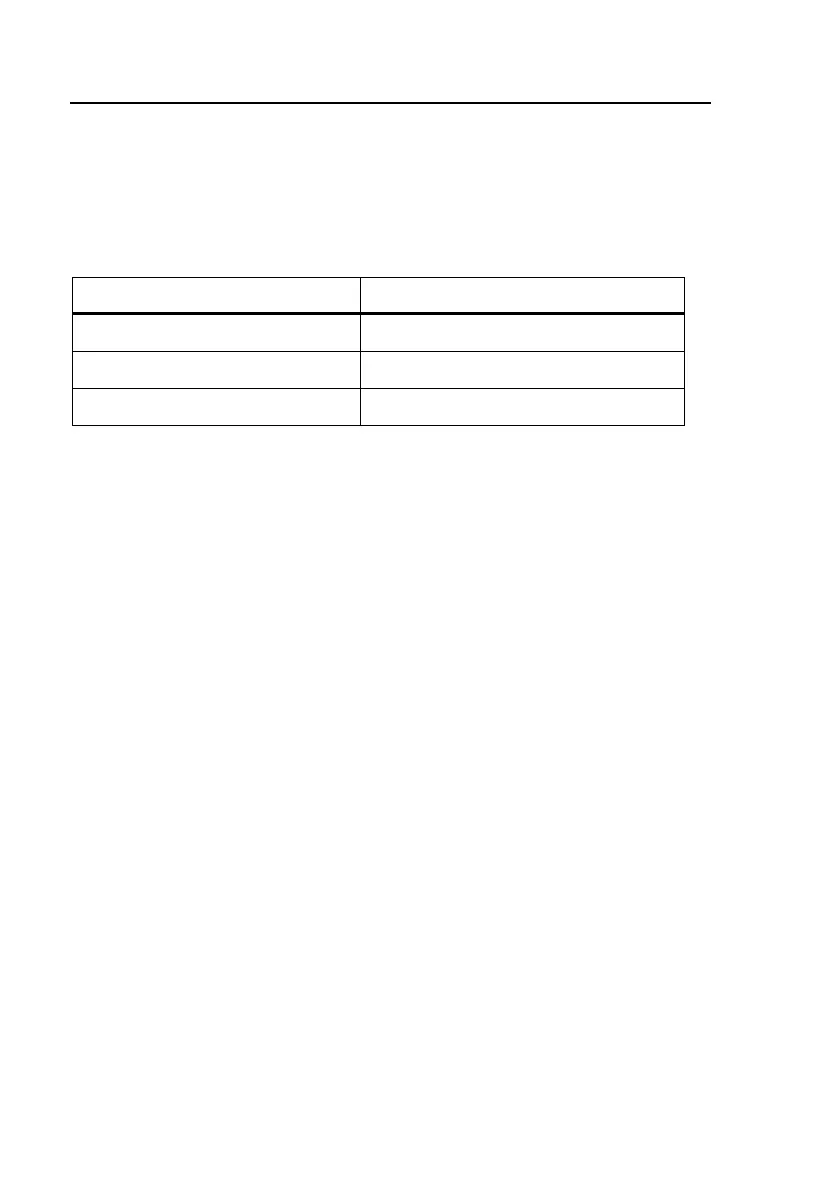
Table 4-19. DATU EXP Auto-Test Setup Parameters
Setup Parameter Setting
Technician ID # (any 16 digit alphanumeric string)
Password (any 16 digit alphanumeric string)
DATU EXP Access # (Telephone Number, up to 16 digits)
Running the DATU EXP Auto-Test
This section describes the operation of the Loop Test, but 5-Step and Final
Test operation is essentially the same.
1. Select
DATU EXP Auto-Test on the Dial-up Test Toolbox, and press L.
2. Press the
Loop Test softkey to start the testing sequence.
The tester displays continuous test activity and status messages to indicate
test progress.



 To Next Page