XDSL Testing and Loop Qualification
DSL Auto-Test
5
5-3
Setting Up a DSL Auto-Test
In this test, pairs are qualified based on Pass Thresholds that are automatically
selected for the Service Type chosen. To choose a Service Type, do the
following:
1. From the
Main menu, select DSL Auto-Test and then press L.
The
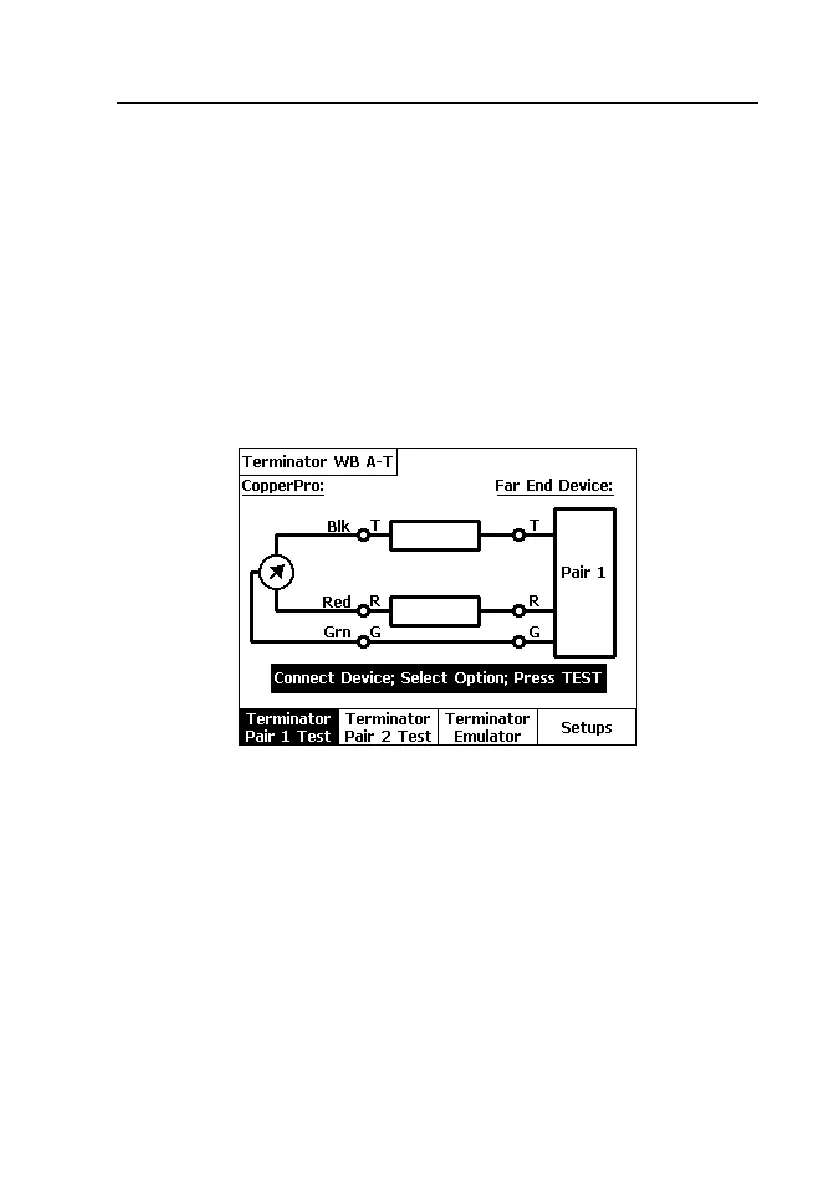
DSL Auto-Test Selection Screen is displayed, shown in Figure 5-1.
2. Press D(
Setups).
The first DSL Auto-Test
Setups screen is displayed, shown in Figure 5-2,
with the cursor positioned on the
Service Qualified field.
acy53s.eps
Figure 5-1. DSL Auto-Test Selection Screen



 To Next Page