990DSL
Users Guide
4-16
Opens Test Results
To run an Opens test, select the test on the POTS Toolbox and press K.
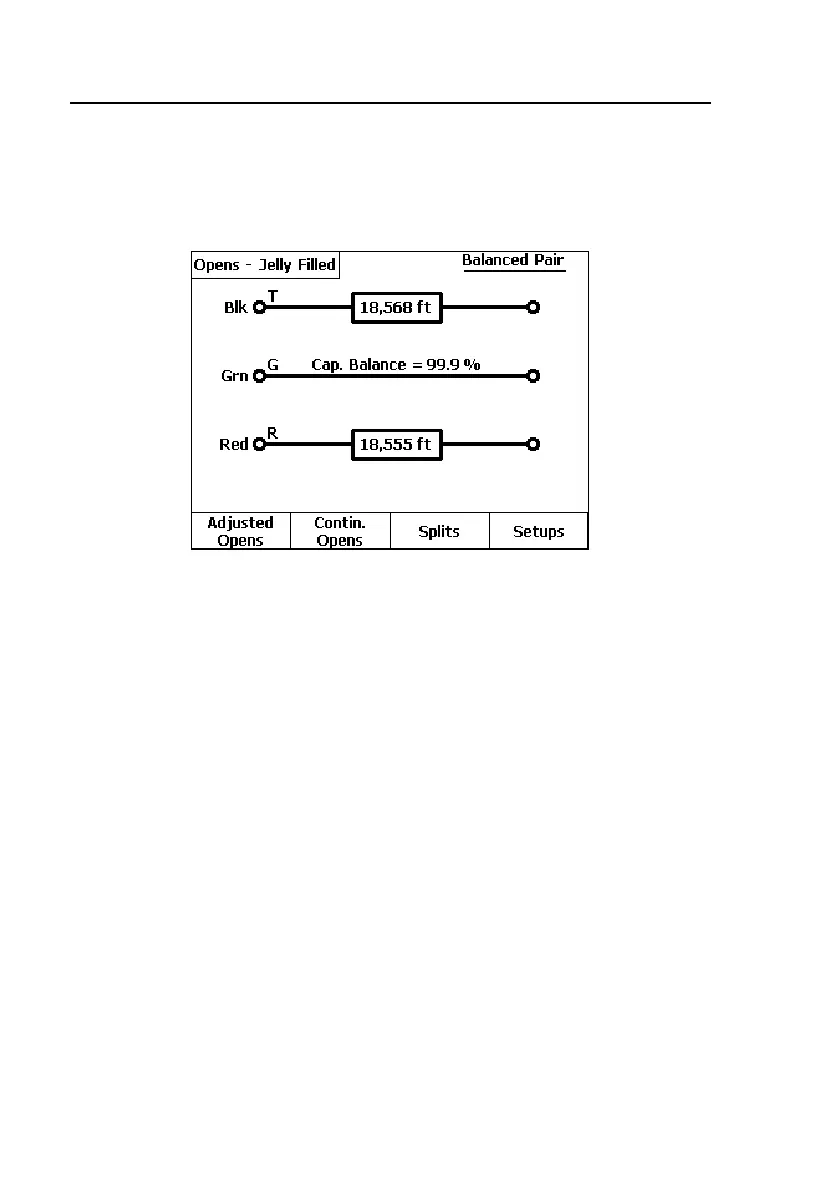
Figure 4-7 shows an Opens test that was conducted on a good, balanced pair:
acy18s.eps
Figure 4-7. Opens Test Result: Good Pair
Depending on the results you obtain, you may want to run additional tests on
the pair. From the Opens test results screen, you can do the following:
• Press A(
Adjusted Opens) to calibrate the pair to a known length or
mutual capacitance value (see “Adjusted Opens Test” for details).
• Press B(
Contin. Opens) to run a continuous 2-terminal test on a selected
leg. Press F or H to convert to capacitance readings.
• Press C(
Splits) if the pair is known to be a split pair (see “Splits Test”
later in this chapter).



 To Next Page