990DSL
Users Guide
4-54
Running a Dial-Up Test
This section describes each Dial-up Test and shows you how to run it. Unless
otherwise indicated, follow this procedure to run a test in this group:
1. Select
Dial-up Tests in the POTS Toolbox, then press L.
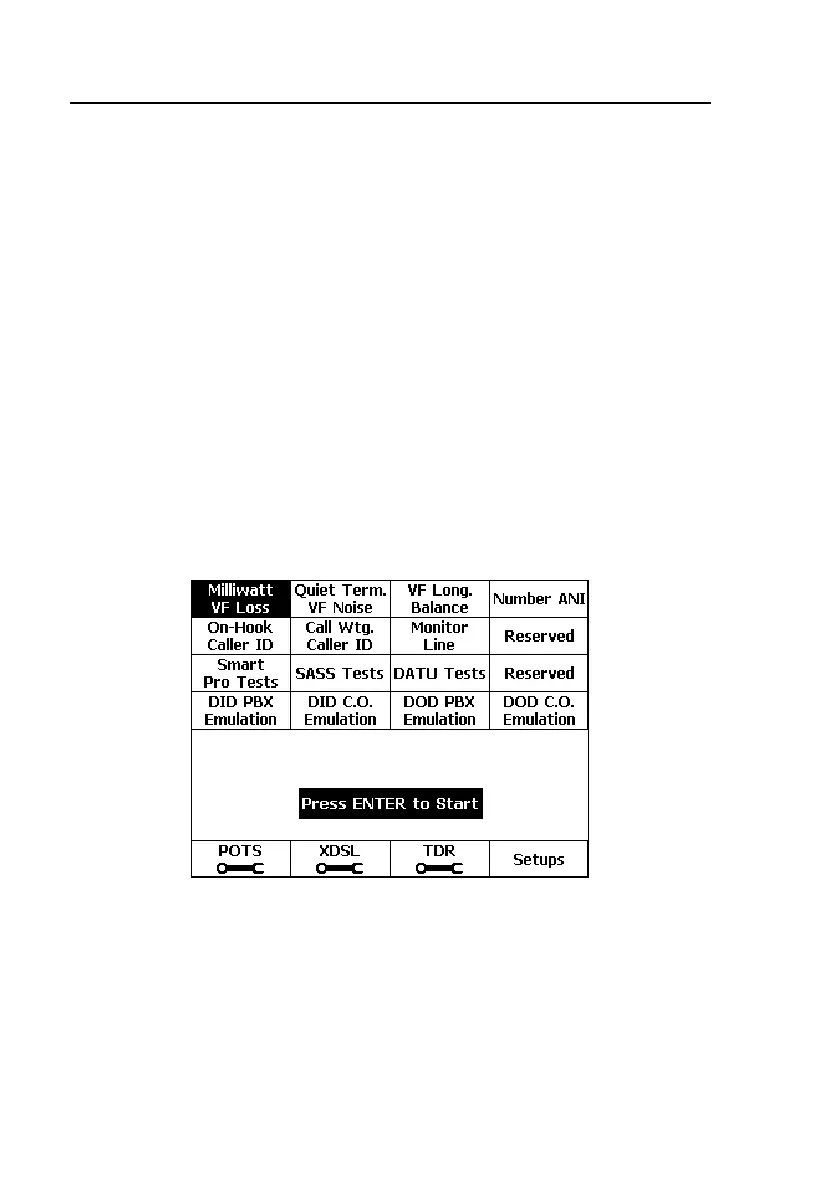
2. Select the desired Dial-Up test from the Dial-Up Toolbox, and press L.
The
Select Dialing Mode screen is displayed.
3. Do one of the following:
• Press A(
Auto-Dial). Select the desired phone number from the
displayed
Phone Numbers list and then press K to start auto-dialing.
OR
• Press B(
Manual Dial). Manually dial the telephone number on the
tester’s keypad and then press L.
After the number is dialed, the selected test is performed.
acy40s.eps
Figure 4-30. Dial-Up Test Toolbox



 To Next Page