Saving Test Results
Viewing Stored Test Results
7
7-9
3. Press B(
View).
Test results for the time period you specified are displayed. The results are
listed in chronological order, beginning with the starting date and time that
you provided.
Erasing All Results
To erase all saved text results from the tester’s memory, do the following:
1. Display the
Saved Results screen (Figure 7-2).
2. Press D(
Erase Text Results).
All saved text results are permanently deleted from the tester’s memory.
Viewing TDR Waveforms
To view stored TDR waveforms, do the following:
1. On the
Saved Results screen (Figure 7-1), press B(View TDR
Waveforms
).
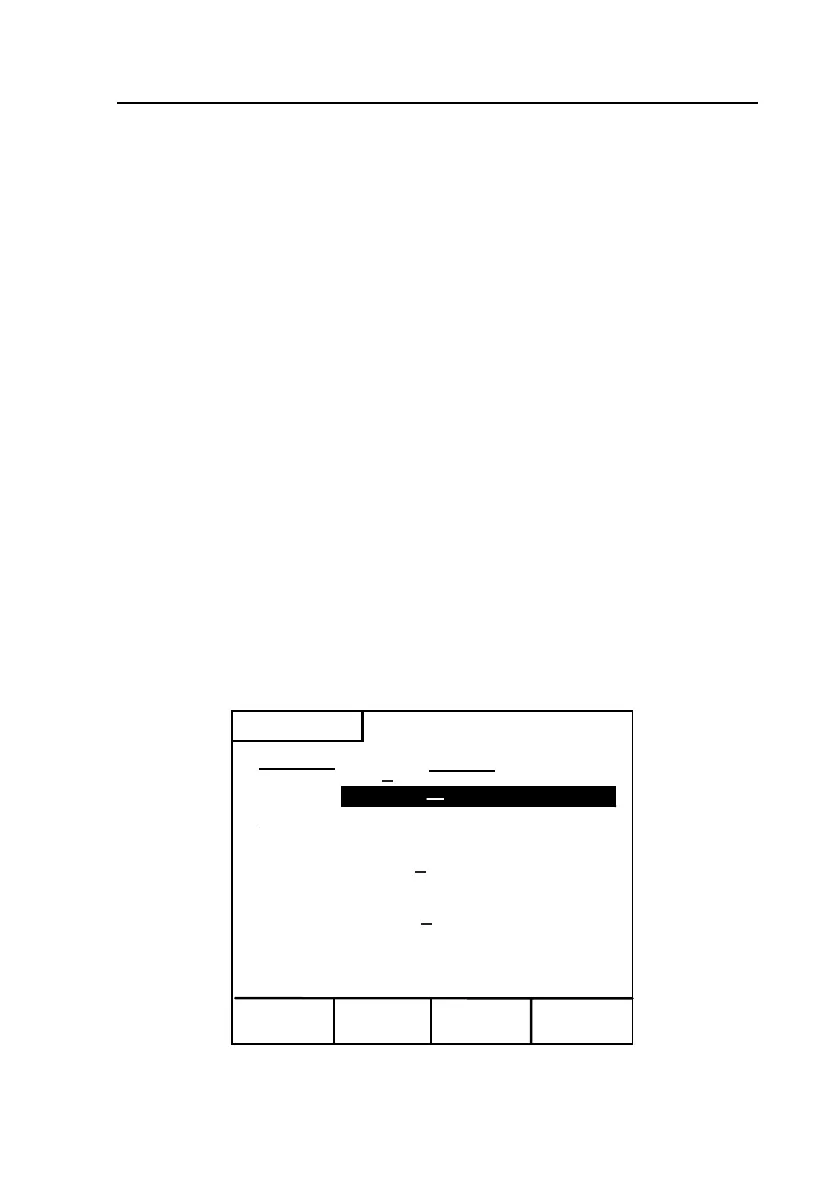
The list of TDR waveforms stored in the tester’s memory is displayed, as
shown in Figure 7-4:
View
Erase
Upload
Saved Results
Remarks
TDR Waveform List
Trace No.
HRO
Bad Splice Joint
2.
Good Pair
3845 ft
3.
(Empty)
4.
(Empty)
5.
(Empty)
6.
Open Tip
320 ft
7.
Short
Bridged Tap
Load Coil
2800 ft
(Empty)
9.
1.
8.
10.
Edit
Remarks
acy94s.eps
Figure 7-4. Saved Results: List of TDR Waveforms



 To Next Page