990DSL
Users Guide
4-72
Manually Controlling a Far-End Terminator
For more detailed fault analysis, it may be necessary to manually control a
Terminator (or Terminator Emulator) from the testing CopperPro tester and
run individual tests on the pair rather than running an Auto-Test.
To control the Terminator using manual commands, do the following:
1. From the Terminator VF Auto-Test Selection screen (Figure 4-33), press
D(
Manual Commands).
The
Manual Term. Commands screen is displayed.
2. Select the desired
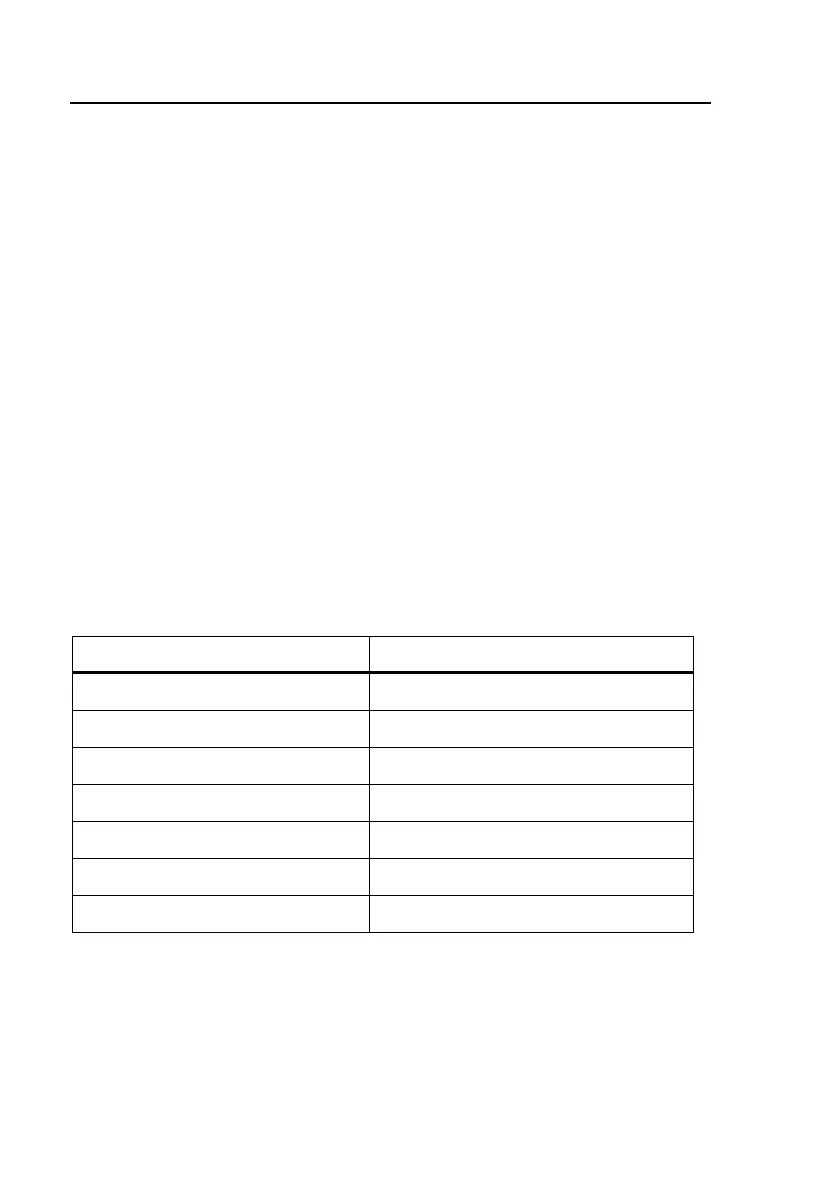
Terminator Function (refer to the list in Table 4-20),
and the desired time
Duration for the function. Then, press K.
The CopperPro tester signals the Terminator to apply the selected
termination for the selected time, and then displays a
Termination
Applied
message.
3. Press M and run the appropriate tests for the selected termination or
tone.
Table 4-20. Manual Terminator Commands
To apply this termination: Select this function:
Short Ring–Tip Short
Ring Ground Ring Ground
Tip Ground Tip Ground
Short & Ground Tip & Ring Ground
VF Quiet Termination Quiet Term.
WB Quiet Termination WB Quiet Term.
Open Line Open Circuit



 To Next Page