990DSL
Users Guide
3-2
Turning the CopperPro On and Off
To turn on the CopperPro, make sure that the test leads are disconnected.
Then, do the following:
1. Press =. This is the green On/Off key, which is located in the bottom left
corner of the keypad (see Figure 2-1).
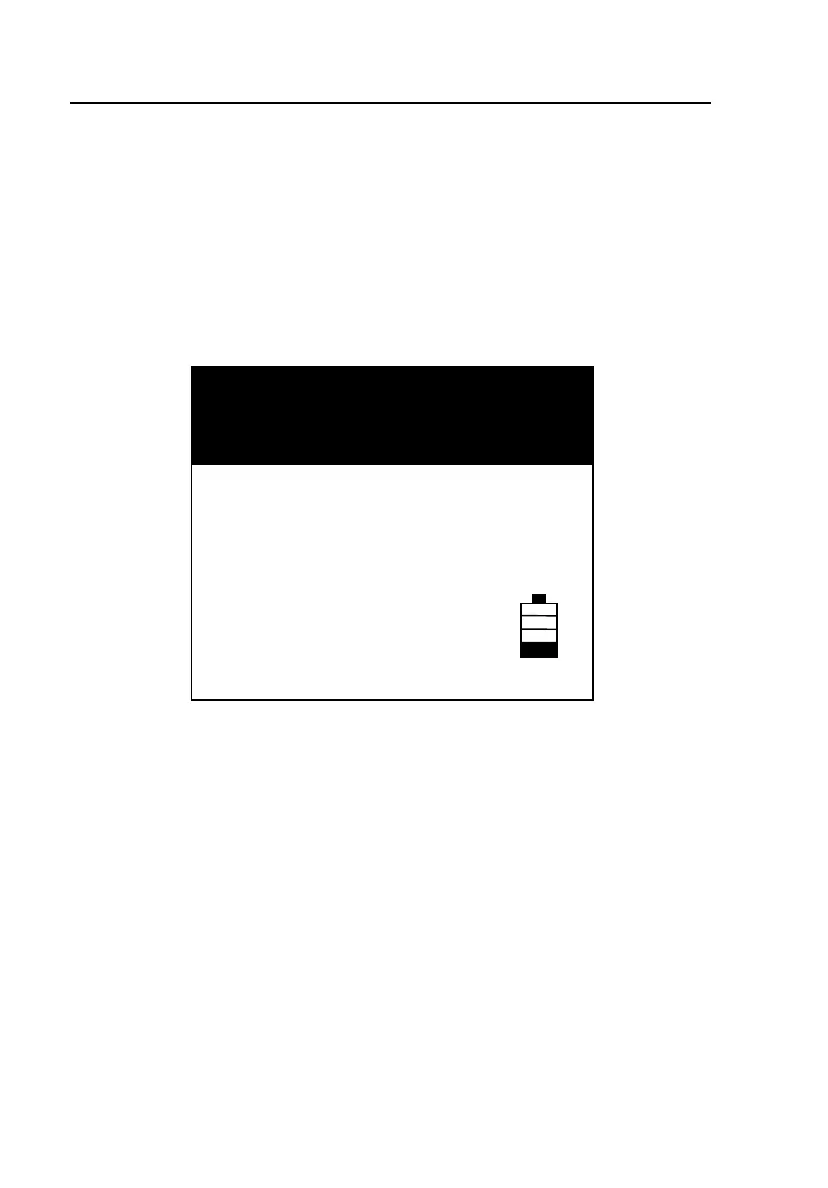
The CopperPro startup screen (Figure 3-1) is displayed:
Software Version : 1.00
Hardware Revision : 1.00
Installed Options : TDR, Wideband
Battery Charge Status : 25 %
Estimated Run-time : 4 Hours
Self-Test in Progress …
FLUKE
CopperPro
networks
acy03s.eps
Figure 3-1. CopperPro Startup Screen
The startup screen displays general information about the tester: the
software version and hardware revision, installed options (if any), and
battery status and estimated remaining run-time.
2. To turn the tester off, press = again.
Note
Should the tester fail to respond to the “OFF” key function for any
reason, force the unit to power down by holding the key down for 5 to
6 seconds.



 To Next Page