XDSL Testing and Loop Qualification
ADSL Verify Test
5
5-37
Setting Up a Send WB Tone Test
To set up the Send WB Tone test, follow the instructions under “Displaying a
Setup Menu” in Chapter 3. Refer to Table 5-7 for setup parameters.
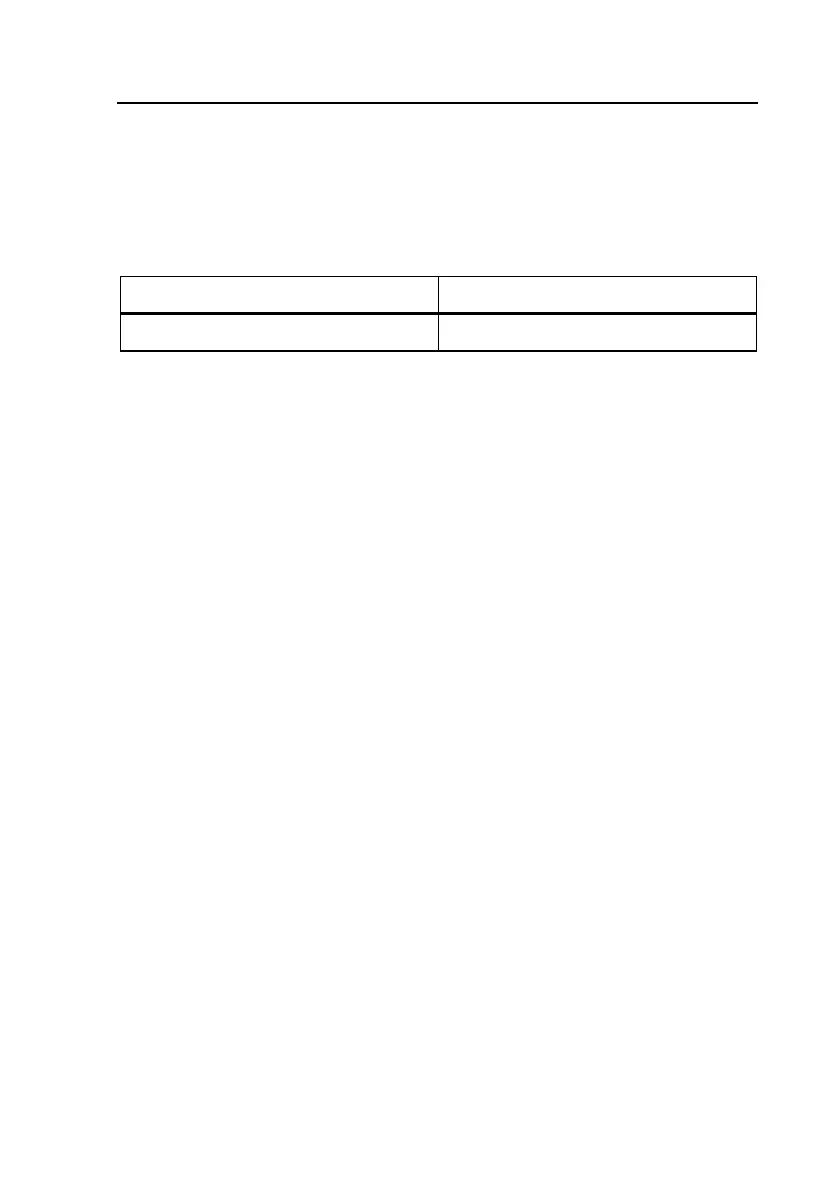
Table 5-7. Send WB Tone Test Setup Parameter
Parameter Setting (default in bold)
Transmit Impedance 100 e or 135 e
Running a Send WB Tone Test
To Send a WB or BB Tone, do the following:
1. From the XDSL toolbox, select
Send WB Tone and press L.
The
Send WB Tone screen is displayed.
2. Press A(
Enter Send Frequency). Enter the desired frequency (between
10 kHz and 17.66 MHz) and then press L. For tones above 1.2 MHz,
the 100 Ohm Transmit Impedance is automatically used.
3. Press K.
The tester begins sending the specified tone.
4. To stop sending the tone, press M or K.
ADSL Verify Test
The ADSL Verify Test is a rapid single-ended test of an active ADSL line to
determine the presence of both the C.O. DSLAM and customer modem, and to
determine the approximate bit-rate capability of the line. It is comprised of a
test looking toward the C.O. DSLAM (
ATU-C Test) with the customer modem
disconnected, and a test looking toward the customer modem (
ATU-R Test)
with the DSLAM disconnected.



 To Next Page