990DSL
Users Guide
4-60
2. Press A(
N-Tone Slope).
The
Select Dialing Mode screen is displayed.
3. Select a method of dialing. Do one of the following:
•
Auto-Dial - If you want the tester to automatically dial the number of
the C.O Smart-Pro, press A(
Auto-Dial). Select the telephone number
from the displayed list, then press K.
•
Manual Dial - If you want to manually dial the number of the C.O.
Smart-Pro, press B(
Manual Dial). Dial the number from the tester’s
keypad, then press L.
After the tester successfully connects, the Smart-Pro announces the calling
number and prompts you to enter the test code for the test you want to run.
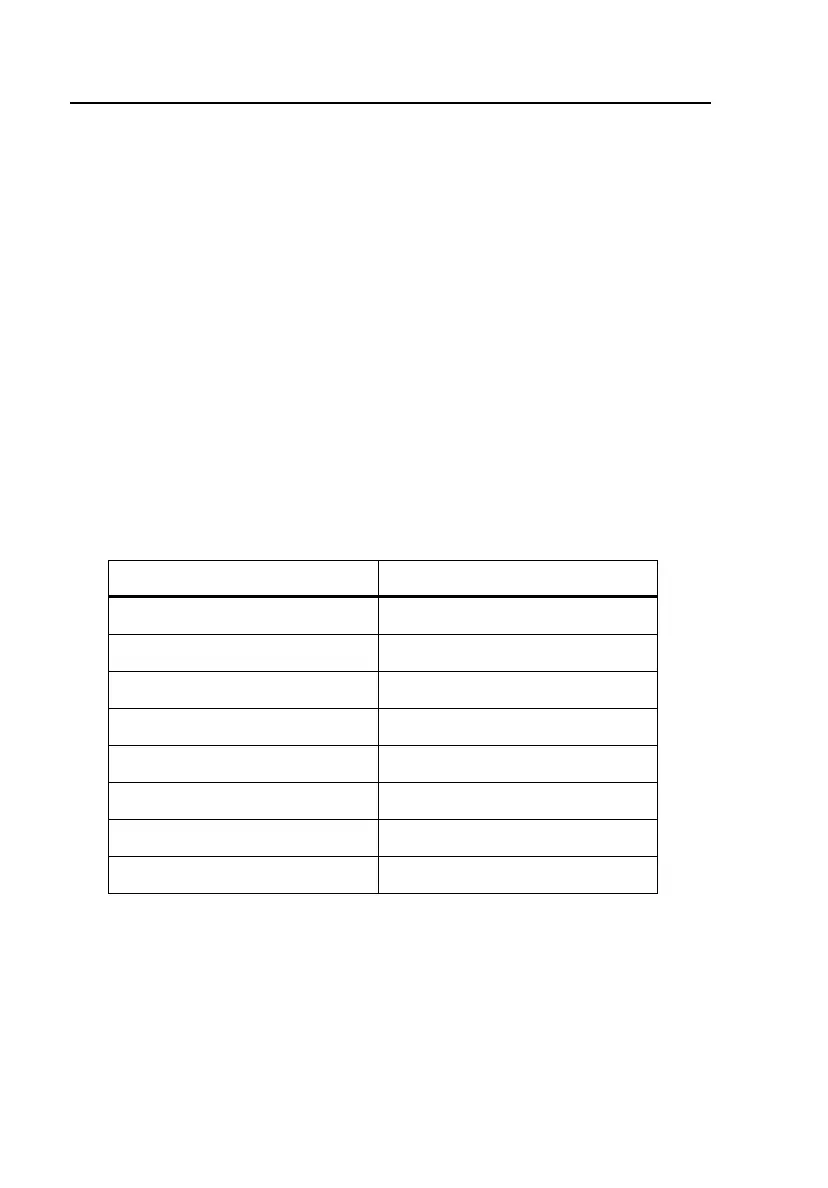
Smart-Pro tests and their corresponding test codes are listed in Table 4-16:
Table 4-16. Smart-Pro Test Key Commands
To run this test Press this key
Milliwatt 1
Quiet Termination 2
3-Tone Sweep 3
10-Tone Sweep 4
30-Tone Sweep 5
SmartTone 6
Callback 7
Keypad 8



 To Next Page