990DSL
Users Manual
7-10
2. To view a waveform, press F or H to select it. Then, press B(
View).
3. If you want to edit the notes you made about the waveform, select the
waveform, then press A(
Edit Remarks). In the space provided, type the
desired information.
Deleting a Saved Waveform
To delete a saved TDR waveform, do the following:
1. Display the list of TDR Waveforms (see Figure 7-4). Then, press F or H
to select the desired waveform.
2. Press C(
Erase).
The selected waveform and associated remarks are permanently deleted
from the tester’s memory.
Viewing Stored a Frequency Sweep Graph
To view a stored frequency sweep graph, do the following:
1. On the
Saved Results screen (Figure 7-1), press C(View Freq. Graphs).
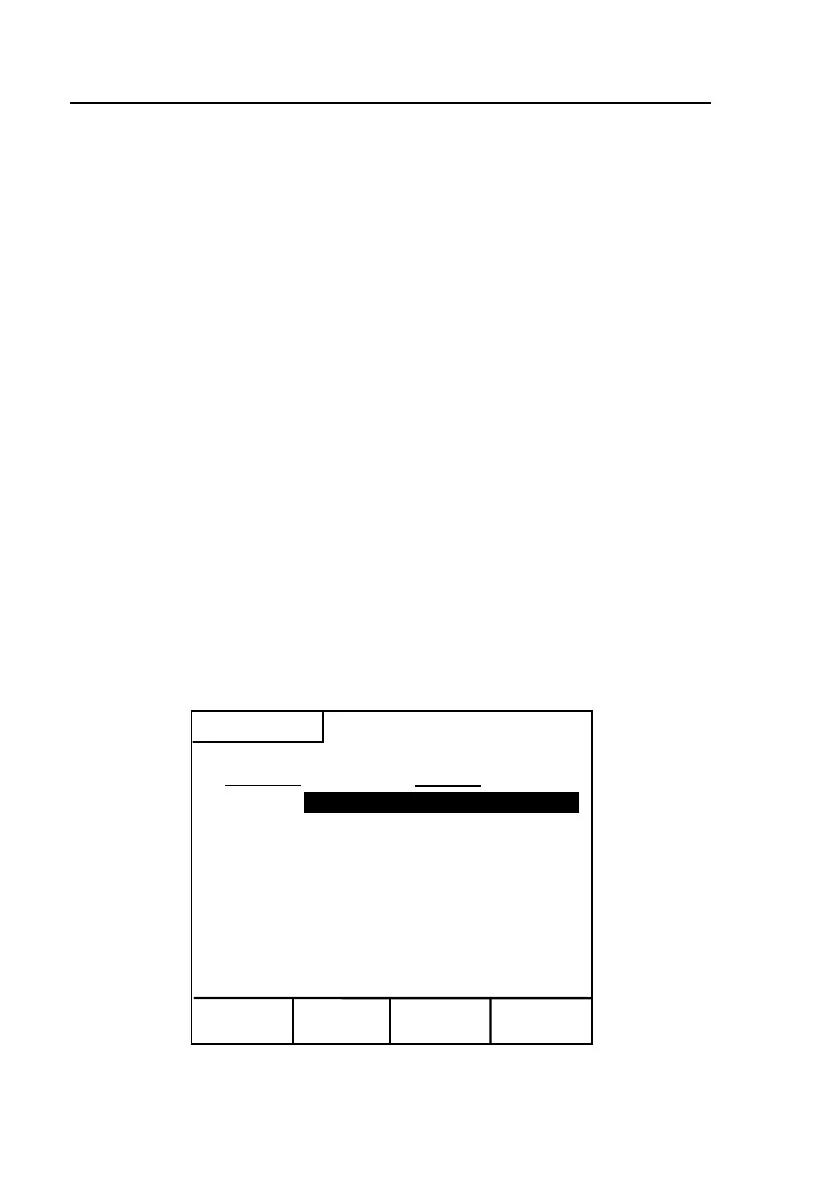
The
Frequency Sweep Graph List (Figure 7-5) is displayed:
Edit
View
Erase Upload
Saved Results
Remarks
1.
Working ADSL Pair
Frequency Sweep Graph List
Graph No.
T1 Crosstalk
2.
(Empty)
Remarks
3.
(Empty)
4.
(Empty)
5.
(Empty)
6.
(Empty)
7.
(Empty)
8.
(Empty)
9.
(Empty)
10.
(Empty)
acy95s.eps
Figure 7-5. Saved Results: List of Frequency Sweep Graphs



 To Next Page