990DSL
Users Manual
7-4
Storing Test Results Automatically
The CopperPro features an automatic test storage option that saves the text-
based results of all non-continuous tests except Auto-Tests. All relevant test
data is saved and any failures (those results that exceed a preset Pass/Fail
threshold) are highlighted in reverse video. Auto-Test results must be manually
saved, as they require specific Test Identification information prior to storage.
The automatic test storage option allows you automatically store text-based
files only. You must manually save graphical files (see “Saving a Displayed
Waveform or Frequency Graph”), as well as text results for the Auto-Tests.
The automatic test storage option is enabled when the tester is shipped from
the factory. If you want to turn off the option, do the following:
1. On the tester’s front panel, press N.
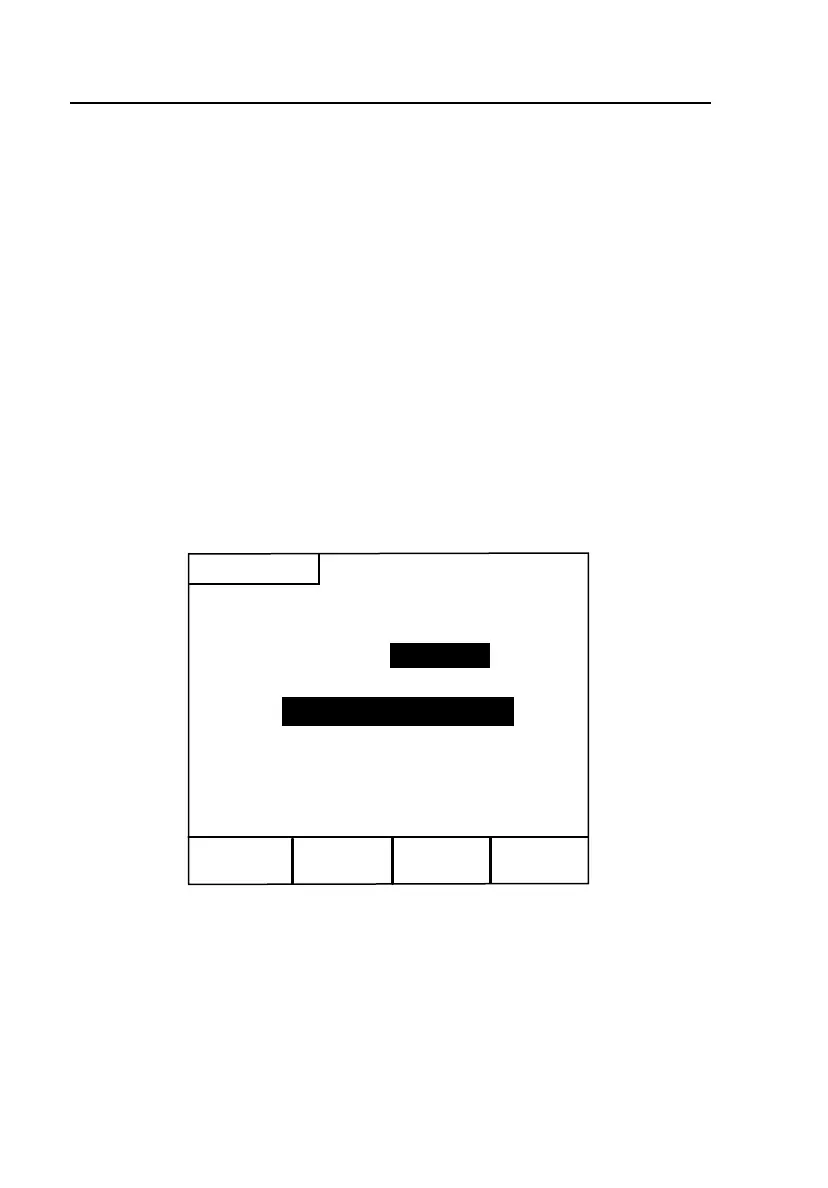
The
Saved Results selection screen (Figure 7-1) is displayed:
View Text
Results
View TDR
Waveforms
View Freq.
Graphs
Saved Results
Results Storage:
Enabled
Select Viewing Option
acy91s.eps
Figure 7-1. Saved Results Selection Screen
The Results Storage field shows that automatic test storage is Enabled.



 To Next Page