990DSL
Users Guide
6-10
Saving TDR Auto-Test Results
The TDR Auto-Test waveform is a snapshot result that you can save in a file.
To save a result, press L, then follow the prompts for naming and saving the
file. For details, see Chapter 7 “Saved Test Results”.
The TDR Toolbox
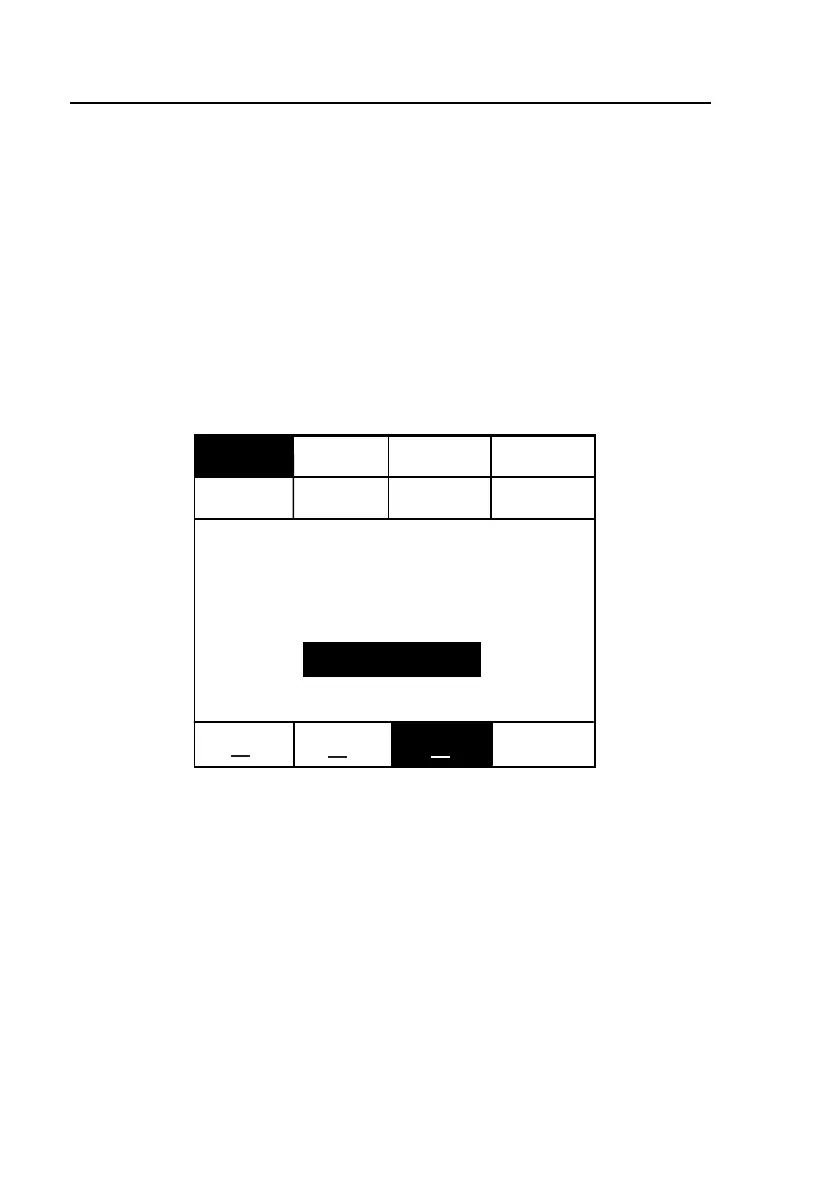
The TDR toolbox is shown in Figure 6-2. The tests in this toolbox enable you
to perform a variety of individual measurements on a pair. These tests are
described separately later in this section.
POTS
Setups
TDR
XDSL
(Apply TDR Signal to Pair 1)
Pair 1
Test
Compare
Recall & P1
TDR
Auto-Test
Recall
Trace
Pair 1 & 2
Compare
Pair 1 - 2
Difference
Pair 1
Monitor
Pair 2 to 1
Crosstalk
Press TEST to Start
oc
oc
oc
acy72s.eps
Figure 6-2. TDR Toolbox



 To Next Page