Setting Up and Operating the CopperPro
The Menus
3
3-3
The Menus
The CopperPro’s test selections, setup configurations, and results are accessed
through a menu system. This section shows you how to display the
Main
menu. You will then learn how to display the test and setup menus.
Displaying the Main Menu
The
Main menu is the top-level menu. From this menu, you can access all of
the CopperPro’s setup and testing functions.
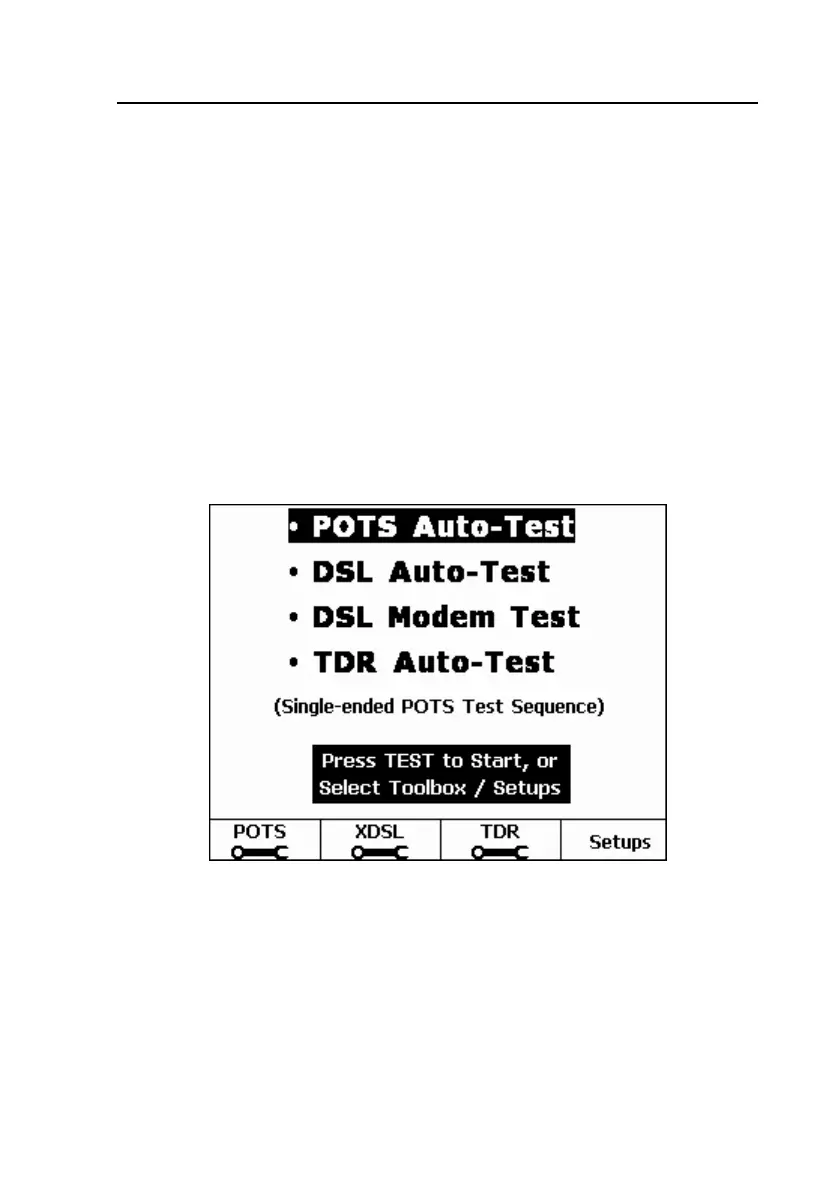
After you turn on the CopperPro, it conducts a series of self-tests, then displays
the
Main menu (Figure 3-2). If the CopperPro is already turned on, you can
return to the
Main menu from anywhere in the menu hierarchy by pressing >,
then pressing M.
elf05s.bmp
Figure 3-2. Main Menu



 To Next Page