XDSL Testing and Loop Qualification
Ping
5
5-23
Ping Setup Details
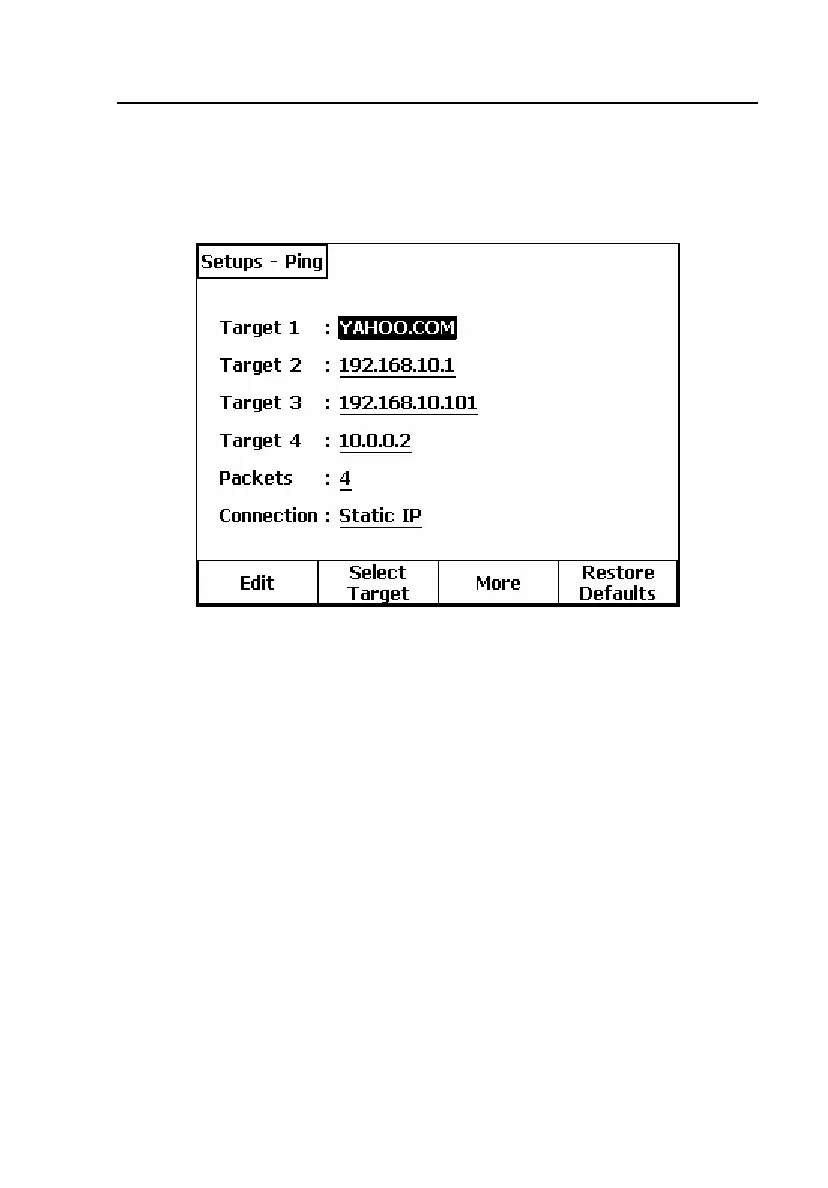
After you press the Setups softkey on the Ping Status screen, the screen
shown in Figure 5-13 is displayed.
elf204s.bmp
Figure 5-13. Primary Ping Setups Screen
Do the following:
1. Enter the desired target(s) for the Ping operation.
The 990DSL II can remember up to four Ping targets, in either IP
address or URL name format.
2. Highlight the desired target and press the
Select Target softkey.
A message confirming your target selection is displayed.



 To Next Page