POTS Testing and Fault Location
Terminated VF Tests
4
4-69
acy107s.eps
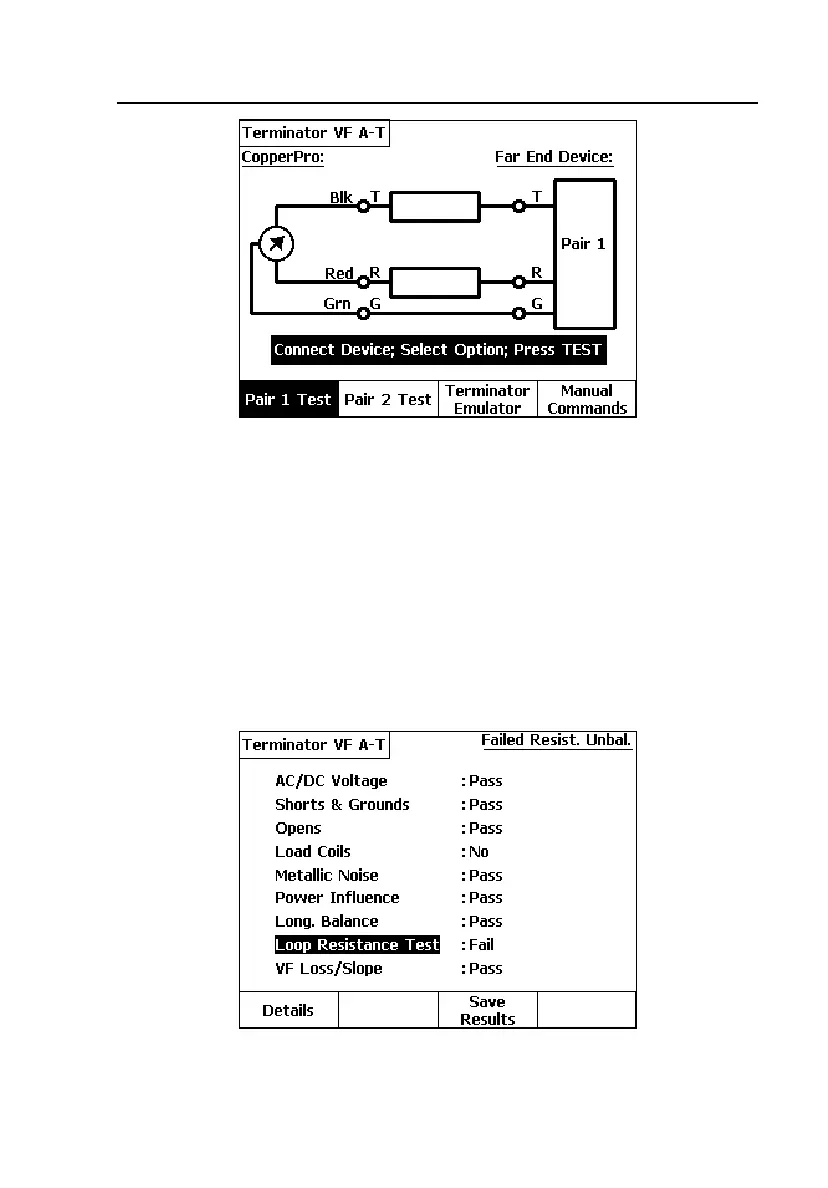
Figure 4-33. Terminator VF Auto-Test Selection Screen
2. Connect the CopperPro tester and Terminator (Far End Device) as shown
in the connection diagram, connecting both units to either one or two test
pairs.
3. Select either A(
Pair 1 Test) or B(Pair 2 Test), then press K.
The CopperPro displays the test it is currently running, and when
completed, displays a Summary Result screen like that shown in
Figure 4-34:
acy100s.eps
Figure 4-34. Terminator VF Auto-Test Summary Results



 To Next Page