XDSL Testing and Loop Qualification
Ping
5
5-21
3. Enter the required network configuration information (see “Ping Setup
Details”), depending on the ADSLx or VDSLx service configuration of
the subscriber’s line, then press M.
4. Press K to perform the network Ping operation.
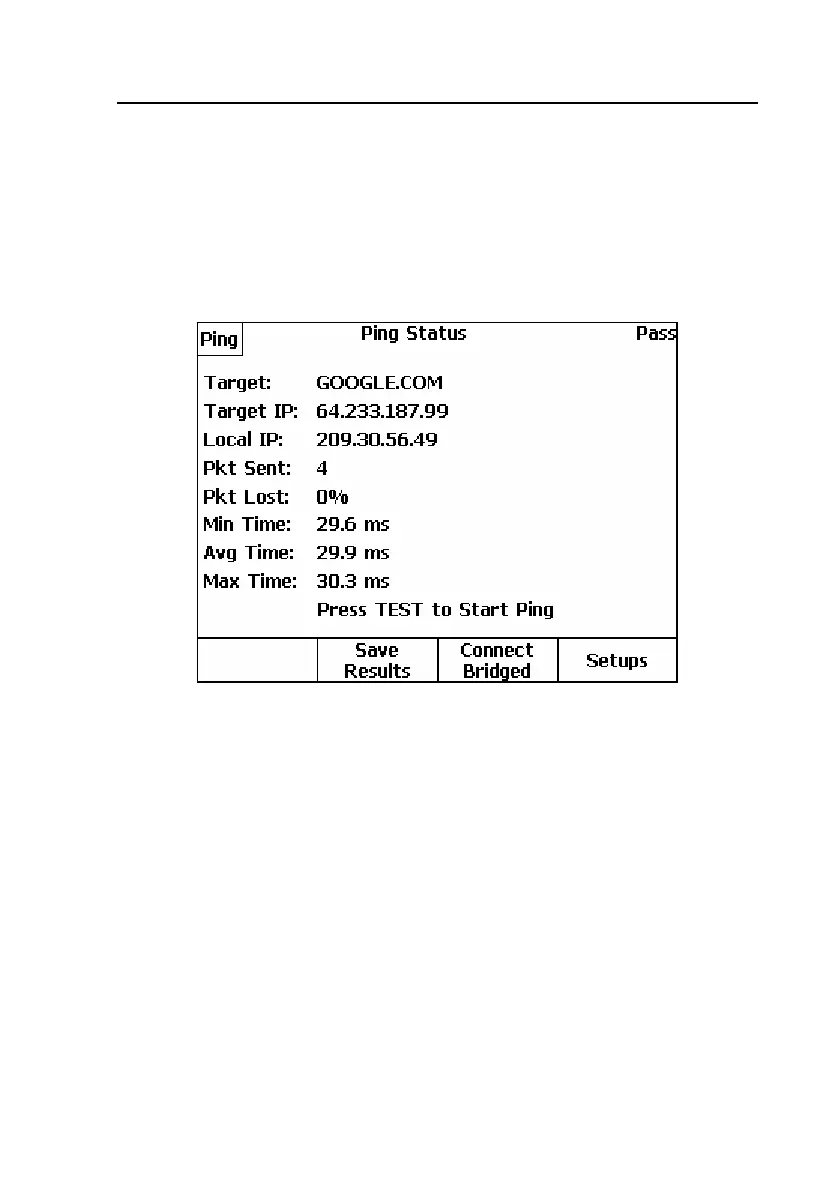
Ping results are displayed. Figure 5-12 shows the results of a Ping
operation on a typical ADSL2+ line.
elf203s.bmp
Figure 5-12. DSL Modem Test Ping Results: ADSL2+ Line
If the Ping operation is unsuccessful (more than 0% packets Lost), the Ping
Status screen display
Fail. If the GM loses its connection with the DSLAM
during the Ping operation, an error message is briefly displayed, and the Ping
Status screen displays
Comm Err.
Table 5-2 lists Ping results and descriptions.



 To Next Page