Controls and Connections
The CopperPro Loop Tester: at a Glance
2
2-5
Table 2-1. Functions of the CopperPro Keys (continued)
Key Function
HOME
M
Has two functions:
• Press M to return to the previously displayed
screen.
• Press
> then M to display the Main menu (see
Figure 3-2).
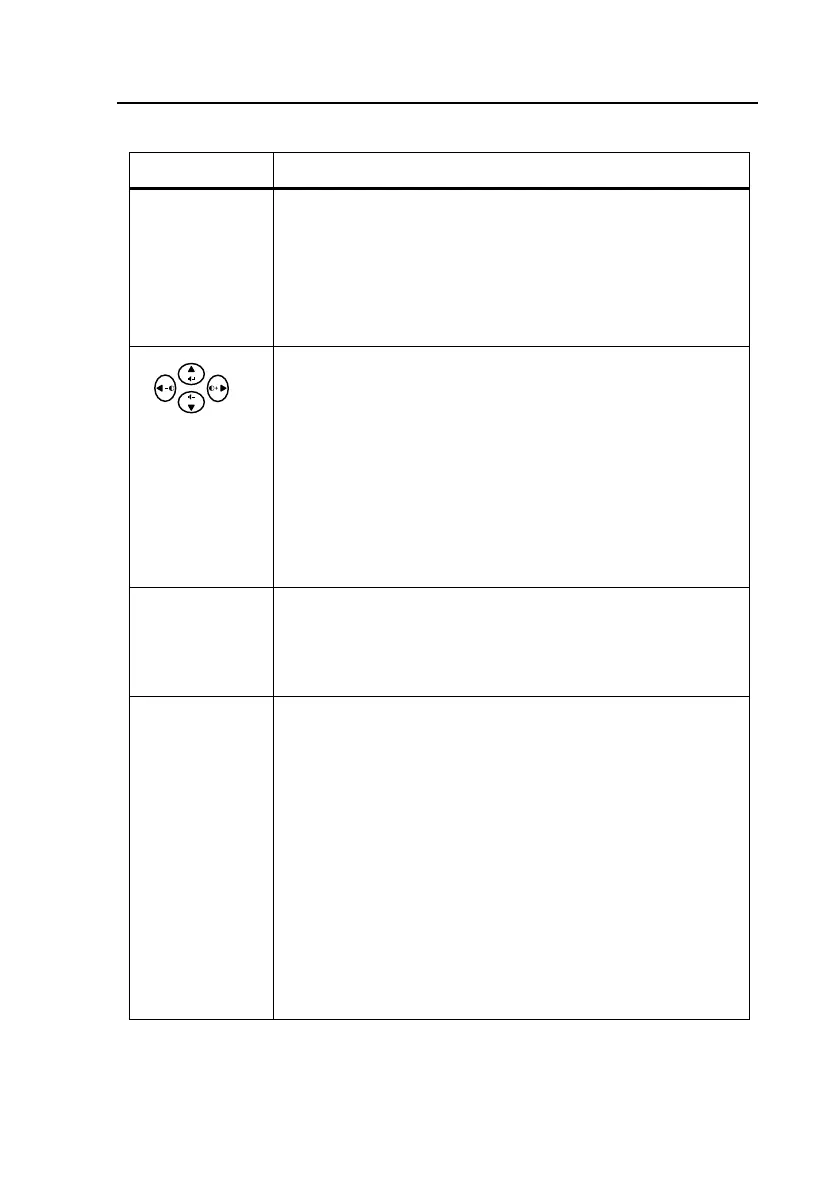
Four directional arrow keys have the following functions:
• To select a test or edit a parameter, press an arrow
key to move the cursor in the direction in which the
arrow points (up, down, left, or right).
• Press >. Then press I to decrease or G to
increase the contrast of the LCD.
• Press >. Then press F to increase or H decrease
the volume of the speaker.
L
Does the following:
• Selects test options.
• Exits Edit mode
Alphanumeric
Keys
Provide a 12-key telephone pad so that you can enter
numbers, the asterisk (*), and pound sign (#).
Press
>, then press the associated number key to
select an alphabetic character, the decimal, space, or
dash. Press
> again to exit alphabetic entry mode and
return to number entry mode.
Note
To display an alphabetic character, press >,
then continue to press the associated number
key until the desired alphabetic character
appears.



 To Next Page