990DSL
Users Guide
4-18
acy19s.eps
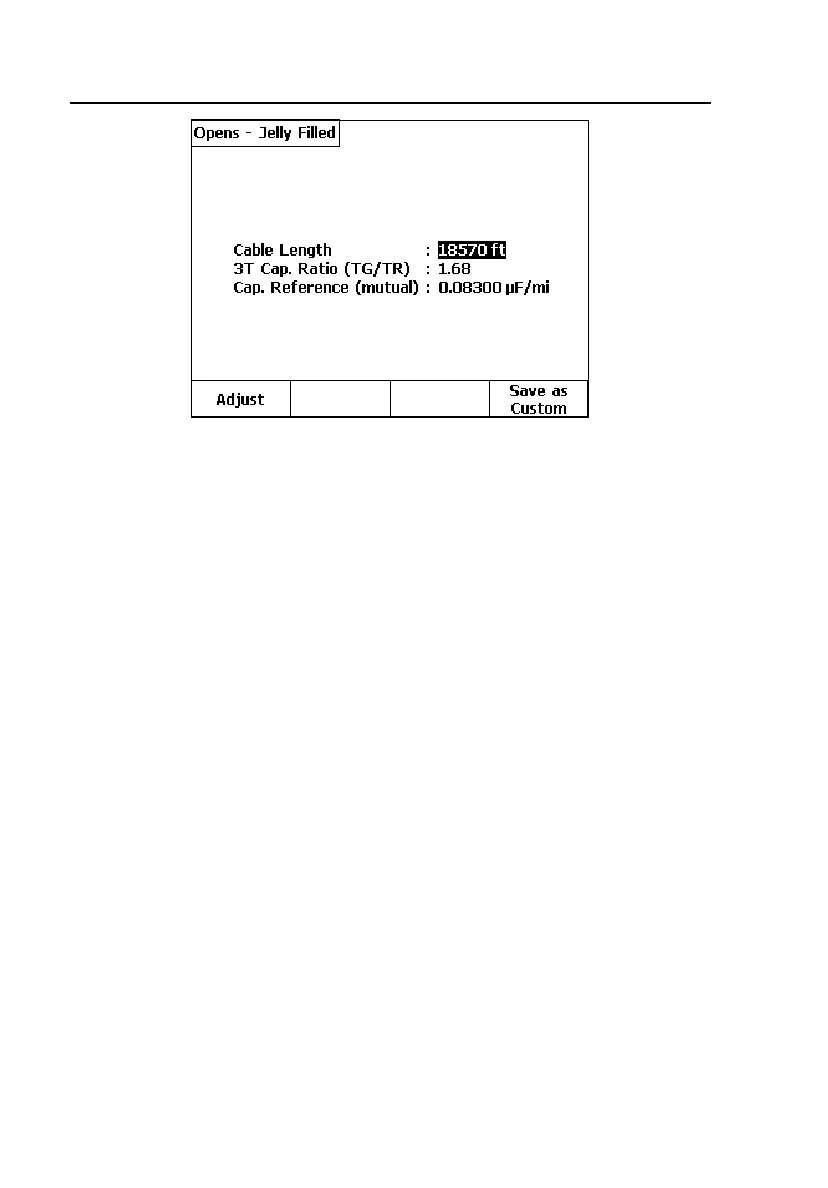
Figure 4-8. Adjusted Opens Test Screen
3. If the Cable Length value is not correct:
• Press A(
Adjust), then enter a known good value for Cable Length
(five digits maximum, no commas), and / or a Cap. Reference value
if known to be non-standard.
• When finished, press D(
Save as Custom) to create a Custom Cable
Type based on the entered data, using the same
3T Cap. Ratio value
as measured on the good pair.
4. If the
Cable Length value is correct:
• Press D(
Save as Custom) to create a Custom Cable Type with the
same
3T Cap. Ratio value as measured on the good pair.



 To Next Page