HT2800T_en_c.doc Page 184 of 275
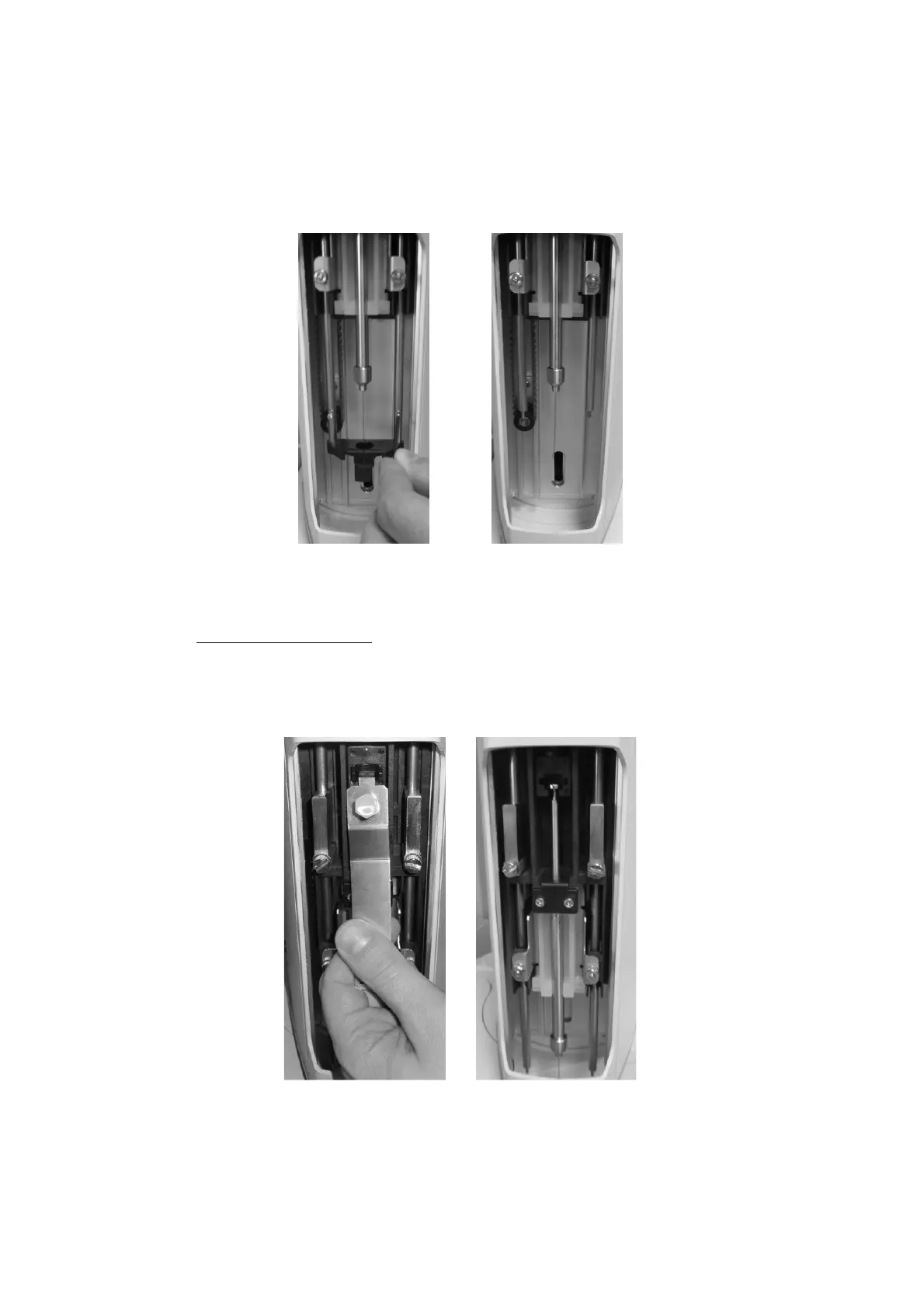
8) “Remove vial locator” screen: remove the vial locator for Headspace/SPME using the
supplied allen key to loose the fixing screws ( see paragraph 2 . 3 “ Tool kit” and tap
“CONTINUE”.
Figure 153: Change from SPME to liquid mode_Remove vial locator
9) “Remove and install new syringe” screen:
a) Remove the Fiber holder: remove the plunger locker by pulling it out using the syringe
pointer (figure below - a and b); remove the retaining nuts as shown in the figure
below (figure below - c and d) and finally remove the Fiber holder with care (figure
below - e).



 To Next Page