115©2018 Integrated Device Technology, Inc September 12, 2018
8A3xxxx Family Programming Guide
ALERT_CFG.IN15_14_MON_ALERT_MASK
GPIO alert enable masks (frequency offset, no activity, loss of signal) for reference monitors 14 and 15.
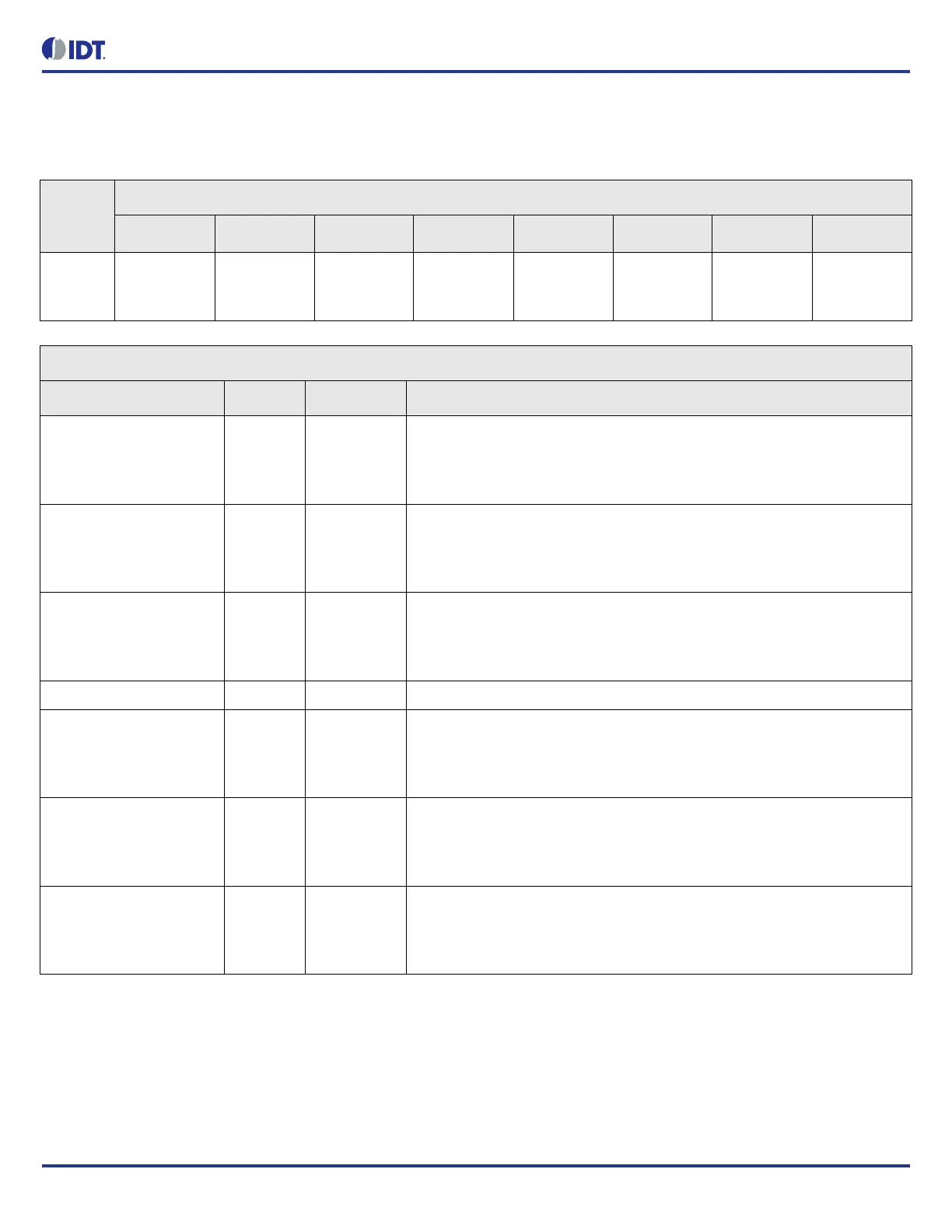
Table 140: ALERT_CFG.IN15_14_MON_ALERT_MASK Bit Field Locations and Descriptions
Offset
Address
(Hex)
ALERT_CFG.IN15_14_MON_ALERT_MASK Bit Field Locations
D7 D6 D5 D4 D3 D2 D1 D0
007h RESERVED[
7]
IN15_FREQ_
OFFS_LIM_
MASK[6]
IN15_NO_A
CTIVITY_MA
SK[5]
IN15_LOS_M
ASK[4]
RESERVED[
3]
IN14_FREQ_
OFFS_LIM_
MASK[2]
IN14_NO_A
CTIVITY_MA
SK[1]
IN14_LOS_M
ASK[0]
ALERT_CFG.IN15_14_MON_ALERT_MASK Bit Field Descriptions
Bit Field Name Field Type Default Value Description
IN15_FREQ_OFFS_LIM_
MASK[6]
R/W 0 Input 15 frequency offset limit enable mask.
If enabled, GPIO alert becomes active when in15_freq_offs_lim_sticky bit is set.
0 = disabled
1 = enabled
IN15_NO_ACTIVITY_MAS
K[5]
R/W 0 Input 15 no activity enable mask.
If enabled, GPIO alert becomes active when in15_no_activity_sticky bit is set.
0 = disabled
1 = enabled
IN15_LOS_MASK[4] R/W 0 Input 15 LOS enable mask.
If enabled, GPIO alert becomes active when in15_los_sticky bit is set.
0 = disabled
1 = enabled
RESERVED N/A - This field must not be modified from the read value
IN14_FREQ_OFFS_LIM_
MASK[2]
R/W 0 Input 14 frequency offset limit enable mask.
If enabled, GPIO alert becomes active when in14_freq_offs_lim_sticky bit is set.
0 = disabled
1 = enabled
IN14_NO_ACTIVITY_MAS
K[1]
R/W 0 Input 14 no activity enable mask.
If enabled, GPIO alert becomes active when in14_no_activity_sticky bit is set.
0 = disabled
1 = enabled
IN14_LOS_MASK[0] R/W 0 Input 14 LOS enable mask.
If enabled, GPIO alert becomes active when in14_los_sticky bit is set.
0 = disabled
1 = enabled



 To Next Page