256©2018 Integrated Device Technology, Inc September 12, 2018
8A3xxxx Family Programming Guide
SERIAL.SER1_I2C
I2C configuration for serial interface 1 (auxiliary serial port).
SERIAL.SER_APPLY_CONFIG
Confirm serial interface update.
TRIGGER: Writing to this byte triggers a read and activation of all the bytes of the SERIAL module.
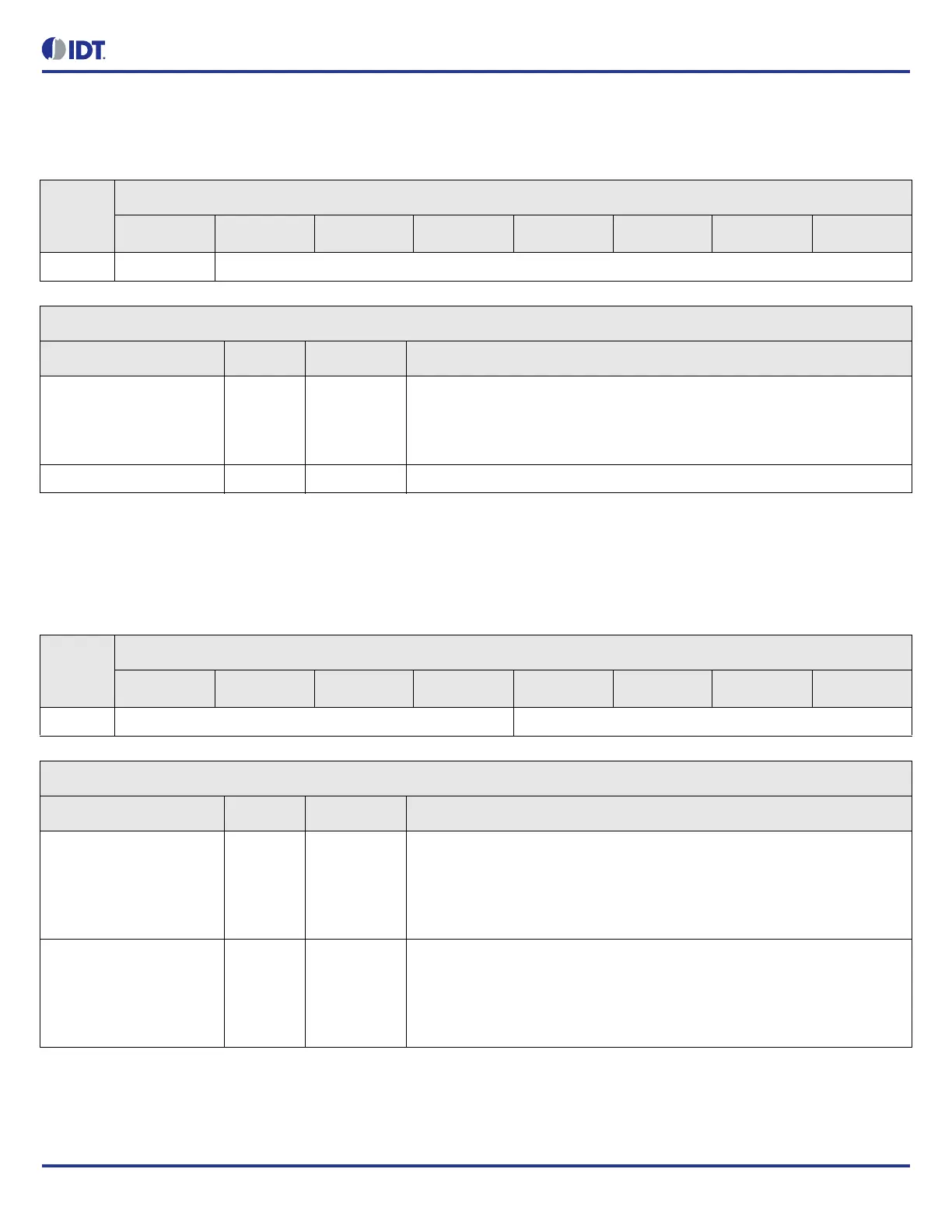
Table 336: SERIAL.SER1_I2C Bit Field Locations and Descriptions
Offset
Address
(Hex)
SERIAL.SER1_I2C Bit Field Locations
D7 D6 D5 D4 D3 D2 D1 D0
007h APPLY[7] DEVICE_ADDRESS[6:0]
SERIAL.SER1_I2C Bit Field Descriptions
Bit Field Name Field Type Default Value Description
APPLY[7] R/W 0 Apply the new I2C address when the confirmation code triggers configuration to
serial interface 1.
0 = do not change
1 = apply new address
DEVICE_ADDRESS[6:0] R/W 0 7-bit I2C address.
Table 337: SERIAL.SER_APPLY_CONFIG Bit Field Locations and Descriptions
Offset
Address
(Hex)
SERIAL.SER_APPLY_CONFIG Bit Field Locations
D7 D6 D5 D4 D3 D2 D1 D0
008h SER0_CONFIRM_CODE[7:4] SER1_CONFIRM_CODE[3:0]
SERIAL.SER_APPLY_CONFIG Bit Field Descriptions
Bit Field Name Field Type Default Value Description
SER0_CONFIRM_CODE[7
:4]
R/W 0 Confirmation code for serial interface 0 (main serial port).
Confirmation code must be set to 0xA to apply the new configuration to serial
interface 0.
After this register has been written, wait 500 us before re-accessing the serial
interface.
SER1_CONFIRM_CODE[3
:0]
R/W 0 Confirmation code for serial interface 1 (auxiliary serial port).
Confirmation code must be set to 0xA to apply the new configuration to serial
interface 1.
After this register has been written, wait 500 us before re-accessing the serial
interface.



 To Next Page