EasyManua.ls Logo

iTero Element 2 - Working with Patients

iTero Element 2
134 pages
Print Icon
To Next Page IconTo Next Page
To Previous Page IconTo Previous Page
Loading...
© 2019 Align Technology, Inc. All rights reserved.
81
iTero Element 2 and iTero Element Flex User Manual
5 Working with patients
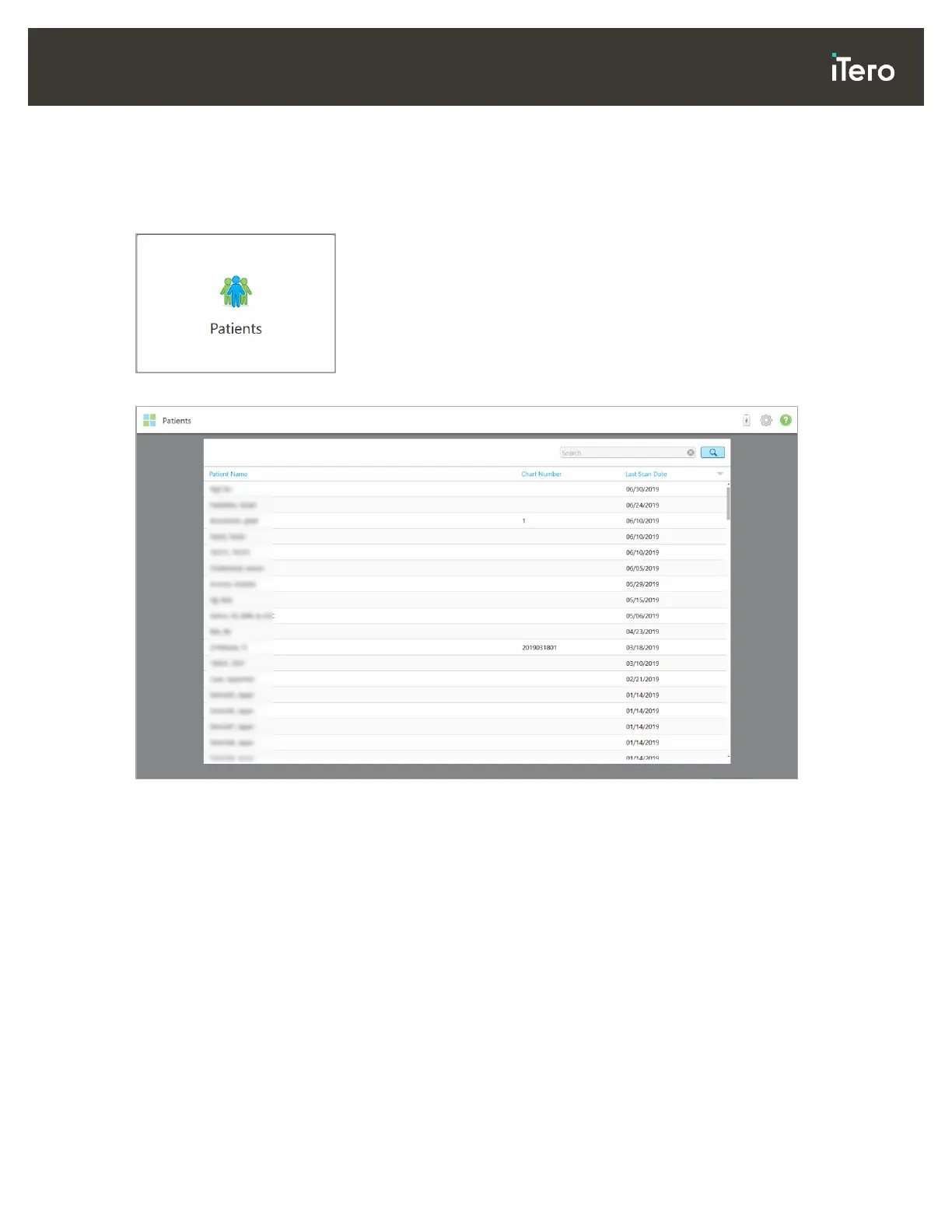
On the home screen, tap the Patients button to display the Patients page.
The Patients page displays a list of all your patients, their chart number, and last scan date.
Figure 102: Patients page
Once you have selected a patient, you can view the patient’s profile page with the patient’s data.


Table of Contents

Related product manuals