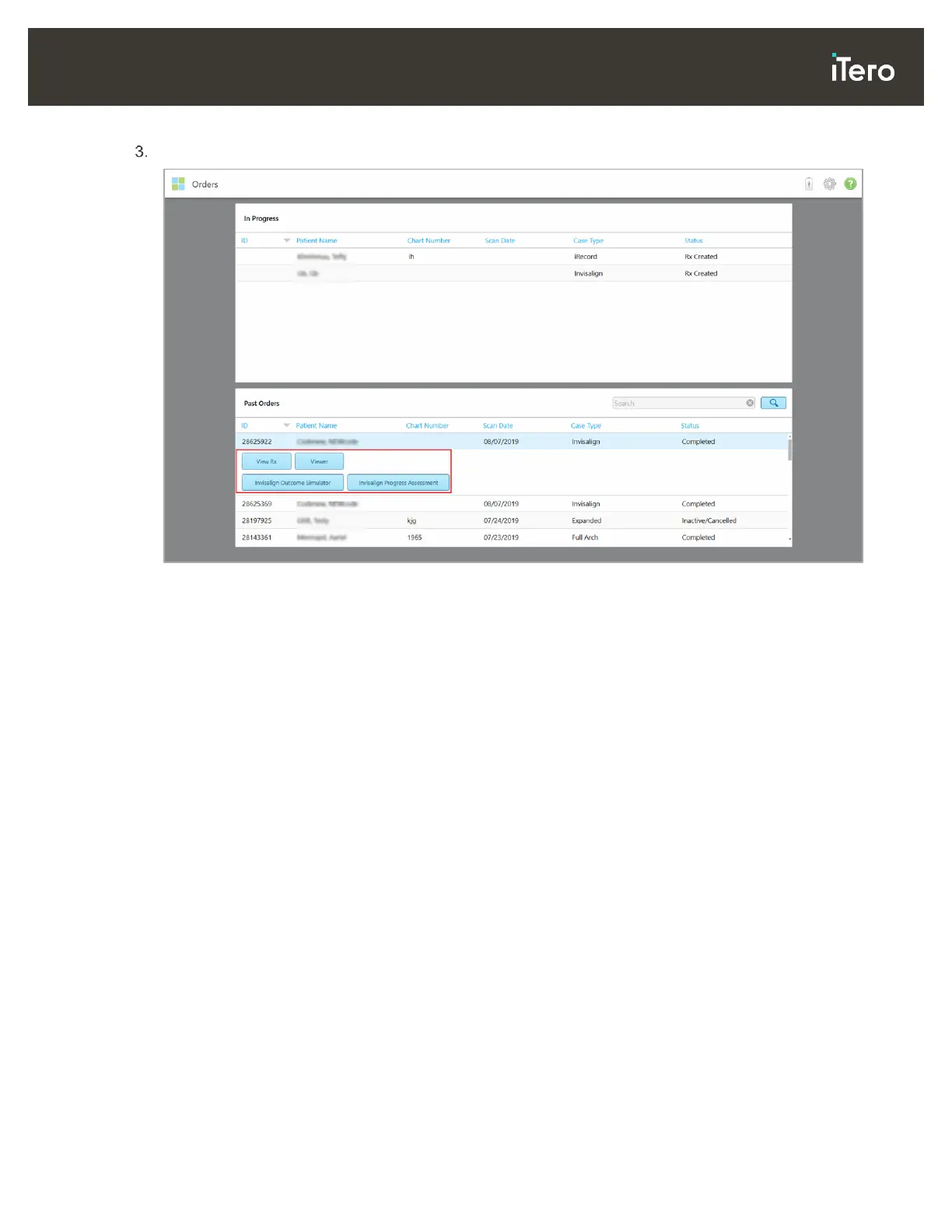
Tap an order in the Past Orders pane to view the following options, depending on the case type:
Figure 119: Past Orders pane – options
o View Rx: Opens the Rx Details window, enabling you to view the prescription for this order.
o Viewer: Opens the Viewer window, enabling you to view and manipulate the model.
o Add Rx: Opens the New Scan window and enables you to add a prescription for this order (only
applicable for Orthodontic orders and available for up to 21 days after a scan).
o Invisalign users can also select the following Invisalign features:
Invisalign Go Outcome Simulator
Invisalign Go Case Assessment
Invisalign Outcome Simulator
Invisalign Progress Assessment



 To Next Page