4.3.4 Working with the Edge Trimming tool
The Edge Trimming tool enables you to trim away excess soft tissue such as cheek or lip artifacts from
the scan. This tool is available for all case types, except Restorative case types.
To trim the excess material:
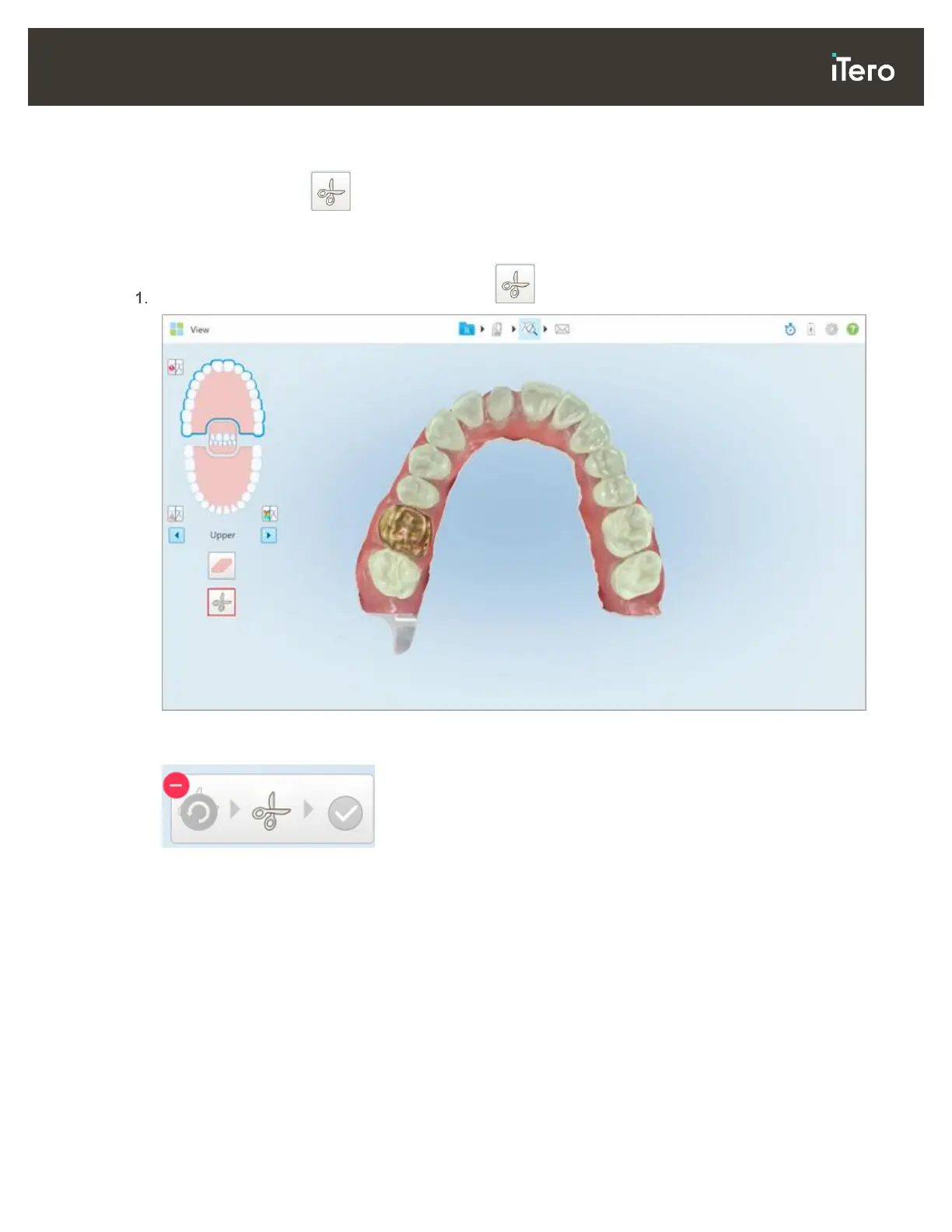
In the View window, tap the Edge Trimming tool .
Figure 83: Edge trimming tool
The Edge Trimming tool expands to show the following options:
Figure 84: Edge trimming tool options



 To Next Page