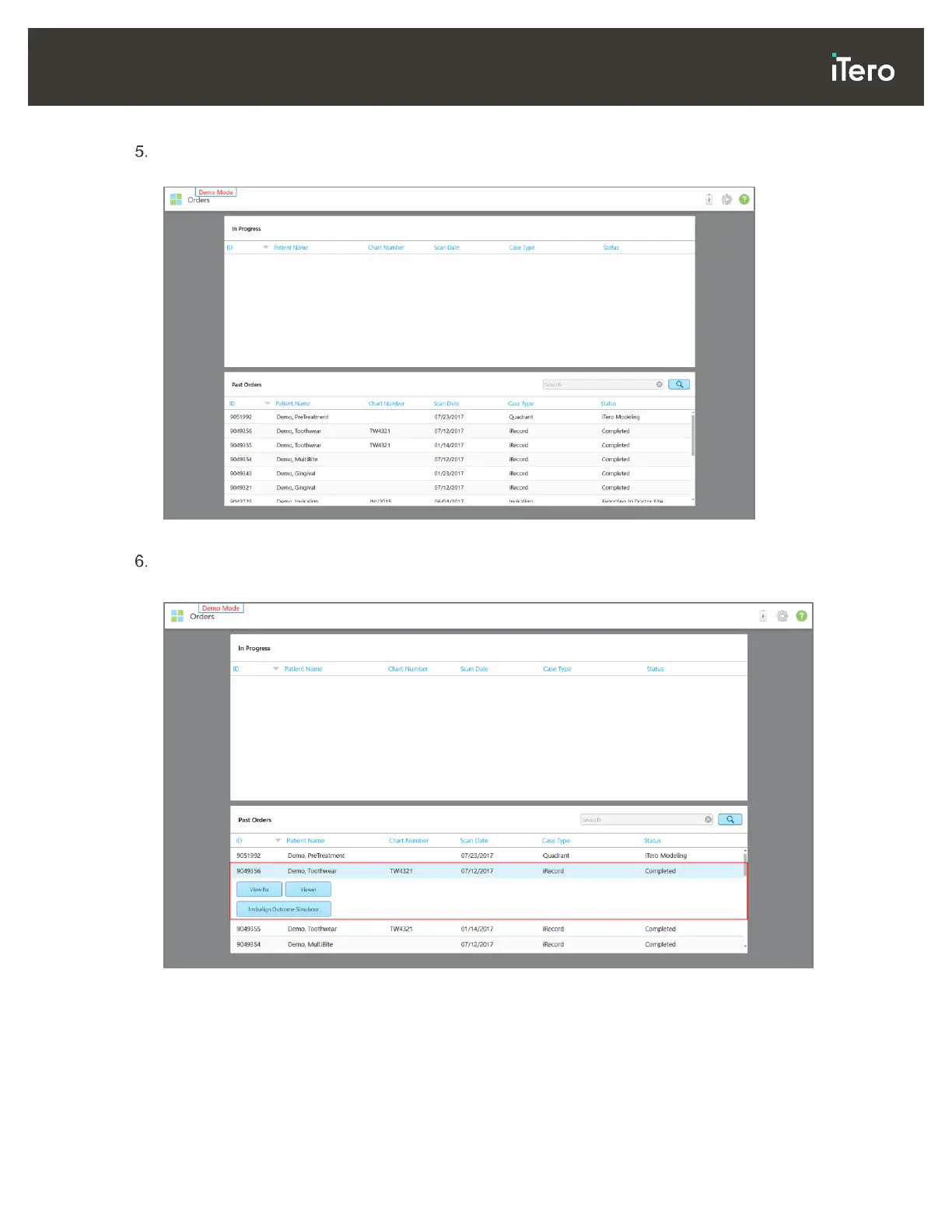
To view the demo cases, tap Orders to display a list of orders that are currently in progress as well as a
list of the past orders.
Figure 17: Demo cases displayed in the list of past orders
Tap the required demo case.
The selected case is expanded to show the following options:
Figure 18: Past Orders pane – options
For more information on working with orders, see section 6.



 To Next Page