5.2 Viewing the patient details
You can view the patient’s details, including all the patient’s previous scans, in the patient’s profile page.
To view the patient details:
Tap the Patients button on the home screen.
The Patients page is displayed, showing a list of your patients, their chart number, and the date of their
last scan.
Select the required patient on the list.
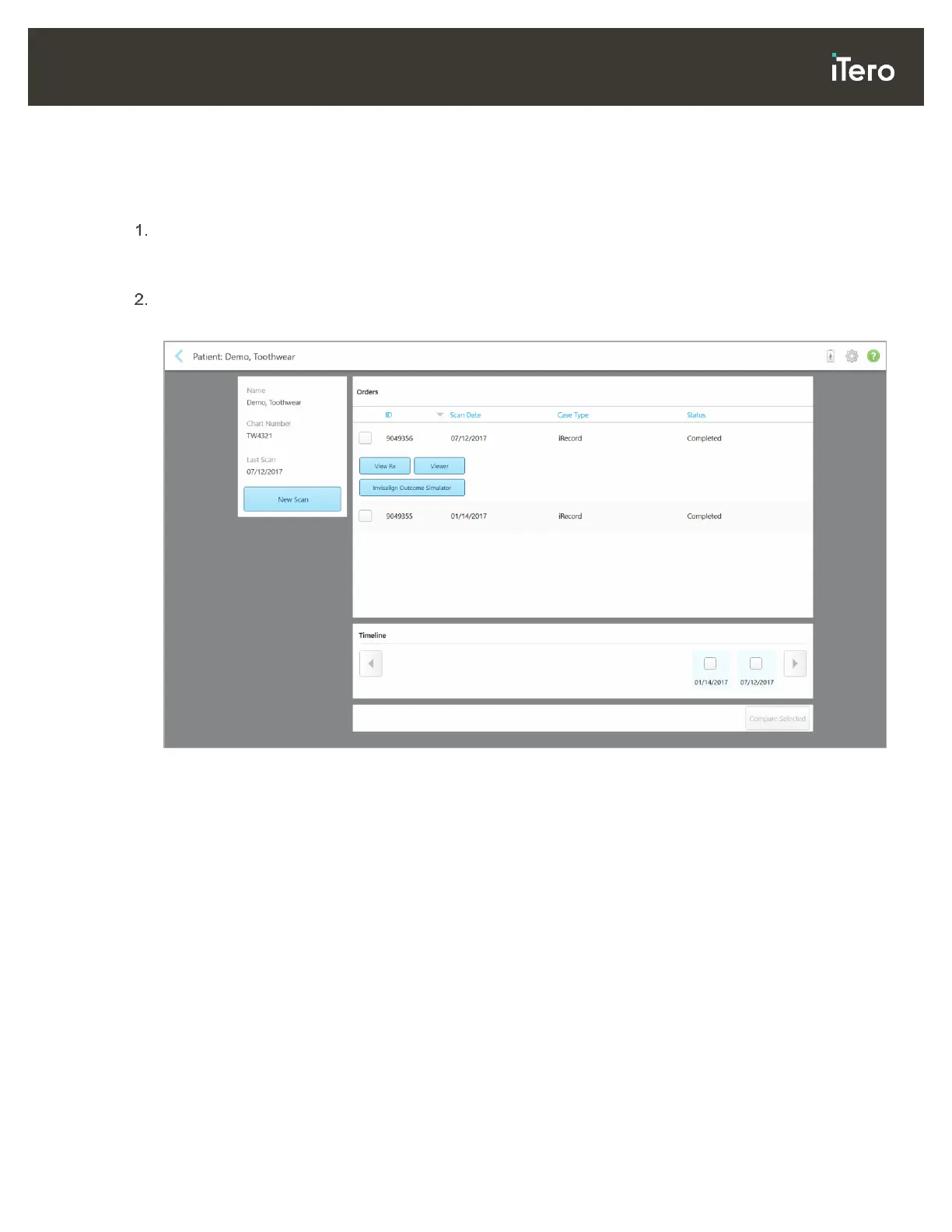
The selected patient’s profile page is displayed:
Figure 105: Patient’s profile page
From the patient’s profile page, you can:
o Create a new scan for the specific patient, described in section 5.3
o View the Rx details, described in section 5.4
o View the patient’s previous scans in the Viewer, as described in section 5.5
o Compare 2 previous scans using iTero TimeLapse technology, described in section 5.5.1
o View any Invisalign-related processes



 To Next Page