3.6.1 Defining the Computer settings
The Computer settings enable you to define the brightness, volume, Wi-Fi, and time-zone settings for the
scanner.
3.6.1.1 Defining the default brightness setting
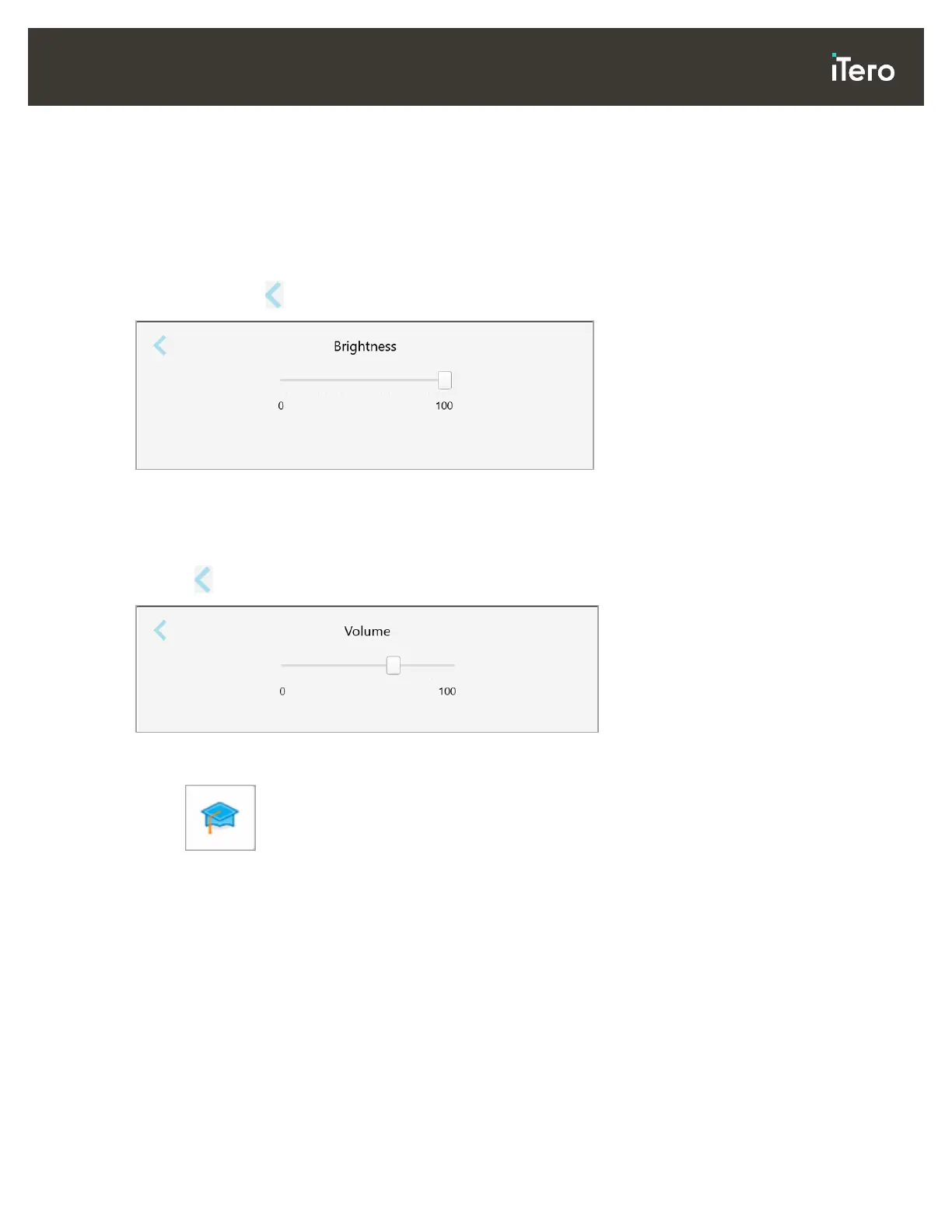
To define the default brightness setting, tap the Brightness button, move the lever to the required brightness
level, and then tap to save your changes and return to the Settings window.
Figure 39: Brightness settings
3.6.1.2 Defining the default volume setting
To define the default system volume, tap the Volume button, move the slider to the required volume level, and
then tap to save your changes and return to the Settings window.
Figure 40: Volume settings
In addition to the system sounds, the volume settings define the volume for the content from the Learning
Center .



 To Next Page