iTero Element 2 and iTero Element Flex User Manual
© 2019 Align Technology, Inc. All rights reserved.
7 Viewing messages
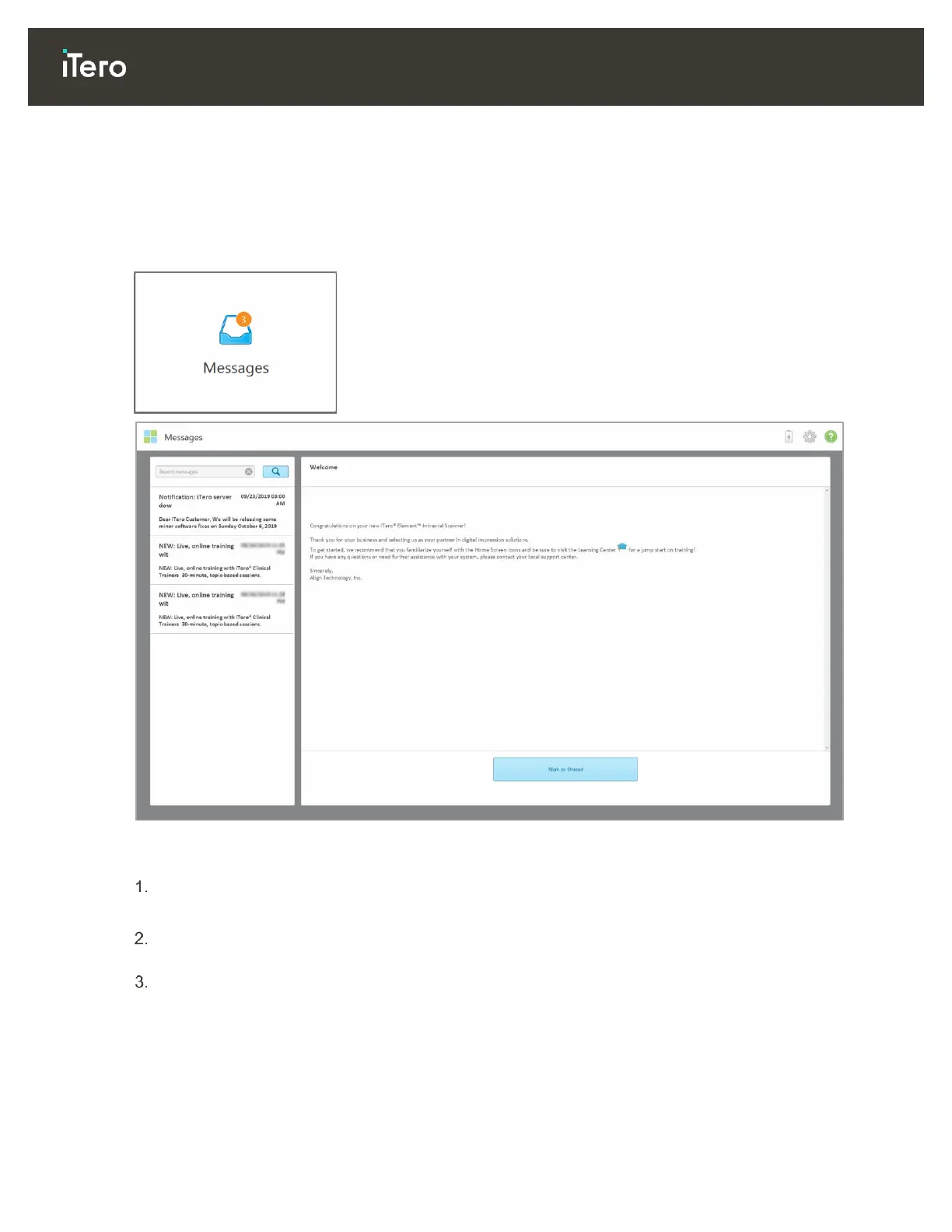
The Messages page displays notifications, updates, and other system messages from Align Technology, for
example, product updates, upcoming educational sessions, or internet connectivity issues.
If relevant, you can view the number of new or unread messages on the badge on the Messages button.
Figure 120: Messages page
To view the messages:
Tap the Messages button on the home screen.
A list of notifications, updates, and other messages from Align Technology is displayed.
In the left pane, quickly search for a specific message by subject title or scroll down the pane to find a
specific message.
To mark any message as unread, tap Mark as Unread.



 To Next Page