iTero Element 2 and iTero Element Flex User Manual
© 2019 Align Technology, Inc. All rights reserved.
Click Submit.
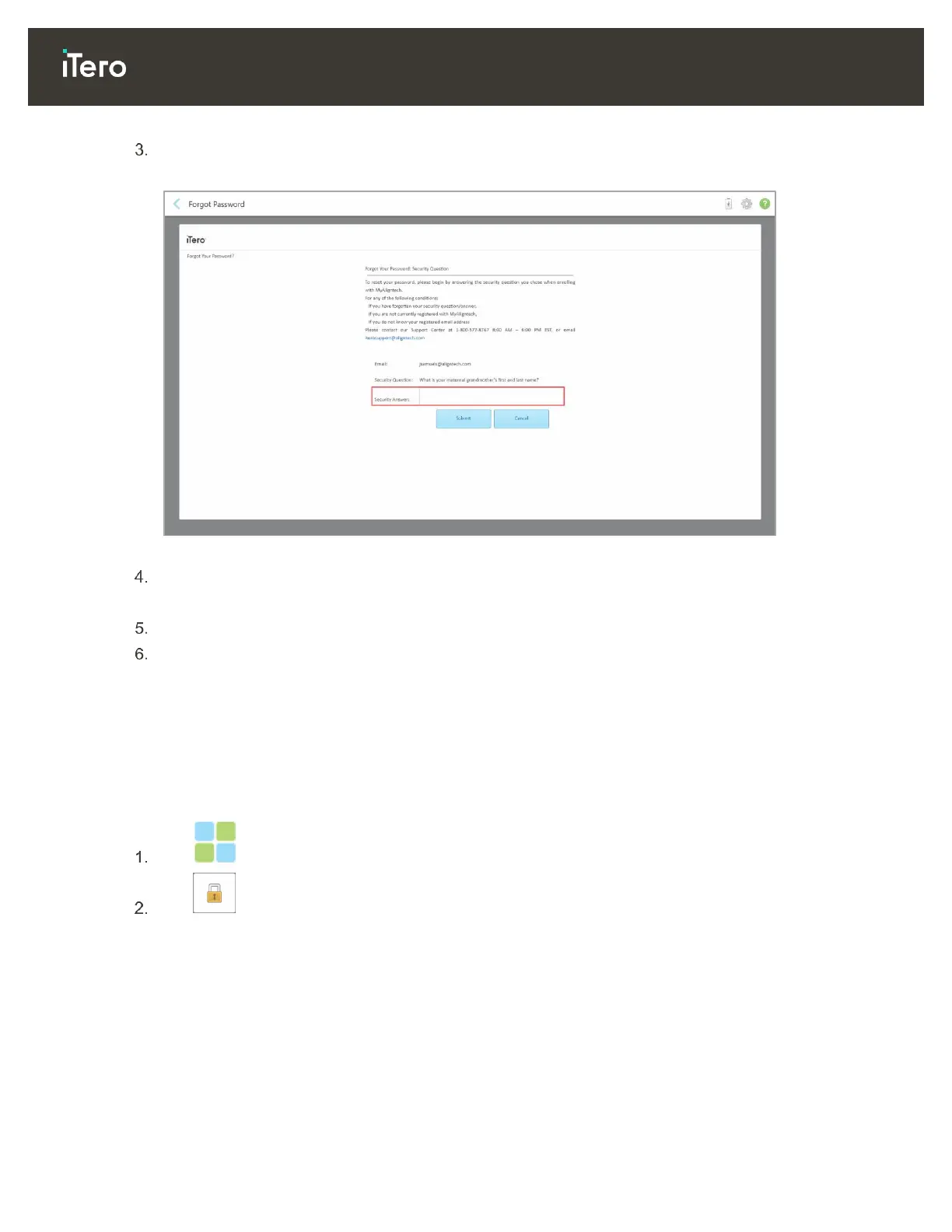
Your predetermined security question is displayed.
Figure 32: Security answer field
Enter the answer to your security question.
A temporary password will be sent to you.
Use the temporary password to log in to myaligntech.com and then reset your password.
If you do not know your registered email address, contact iTero Customer Support.
3.2 Logging out of the scanner
In order to protect your patient information, you should log out of the scanner when it is not in use.
By default, you will be logged out after a predefined period of inactivity, which can be defined in the Login
settings, described in section 3.6.3.1.
To log out of the scanner:
Tap to return to the home screen.
Tap to log out of the system.
The Login window is displayed, ready for the next user to log in to the system.



 To Next Page