3.6.3 Defining the System settings
The System settings enable you to set the login settings, run diagnostics, view the licenses, view the system
information, sync the configuration, and define the export settings.
3.6.3.1 Defining the login settings
In order to comply with privacy and security regulations, you will be logged out of the scanner after a predefined
period of inactivity. By default, this time is set to 4 hours, but you can change it if required.
To define the period of inactivity:
Click the Login Settings button.
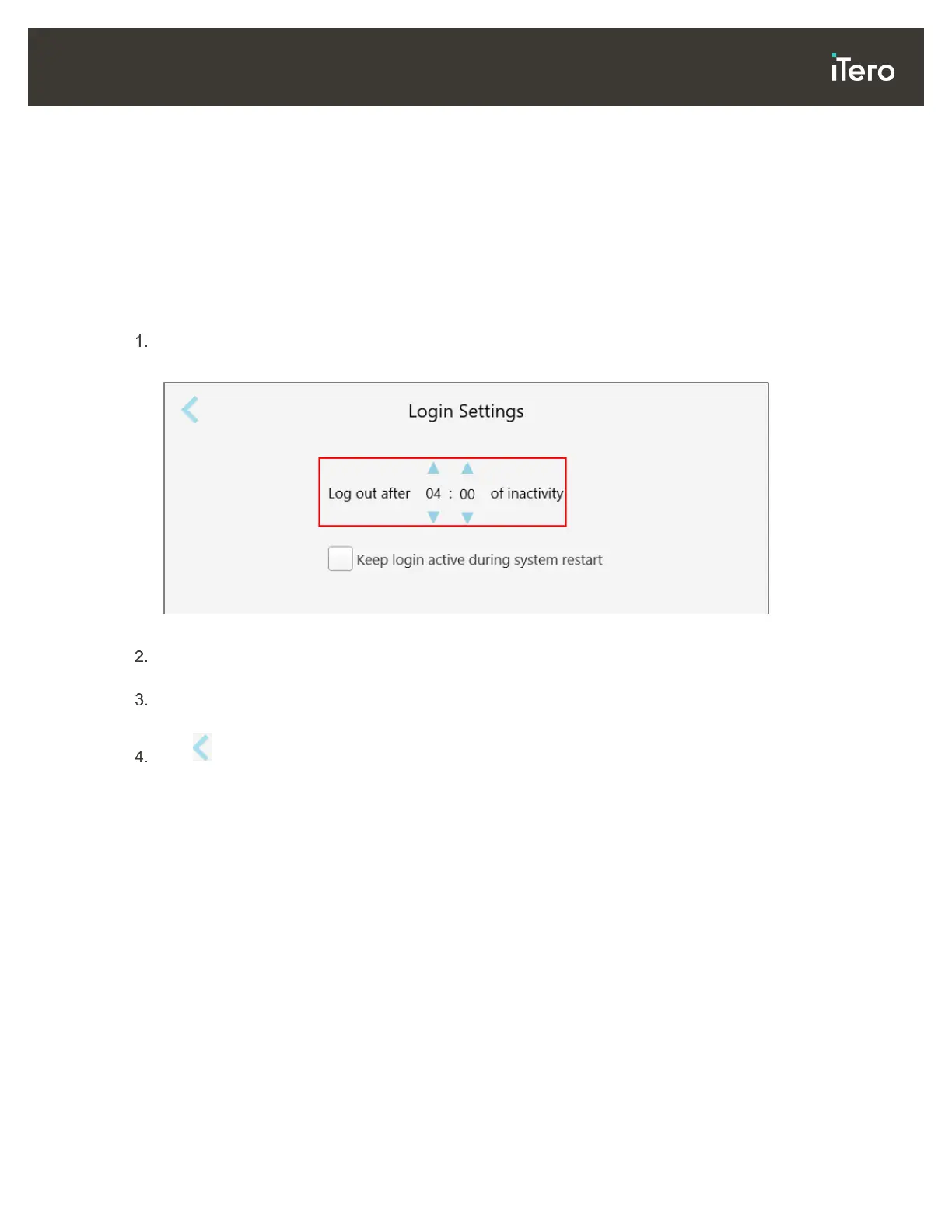
The Login Settings window is displayed.
Figure 50: Login Settings window
Select the period of inactivity after which the user will be logged out of the scanner. (Min time: 10 minutes,
Max time: 10 hours)
Select the Keep login active during system restart check box to remember the user’s password if the
system restarts before the inactivity logout period has elapsed.
Tap to save your changes and return to the Settings window.



 To Next Page