3.1.1 Resetting your password
You can reset your password, if required.
To reset your password:
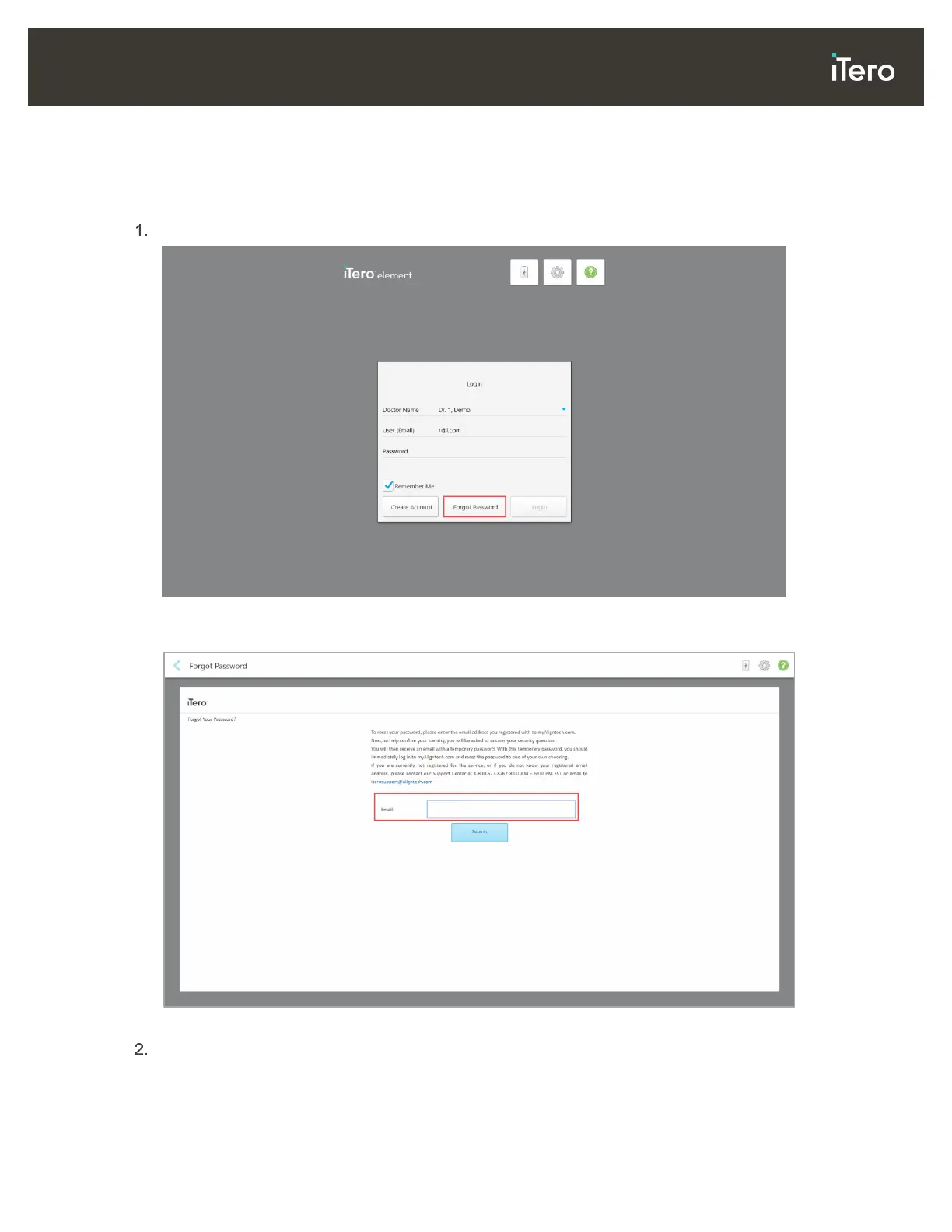
In the Login window, tap Forgot Password.
Figure 30: Forgot Password button
A window is displayed, describing what you should do next.
Figure 31: Email field for forgotten password
In the Email field, enter the email address you used to register to myaligntech.com.



 To Next Page