iTero Element 2 and iTero Element Flex User Manual
© 2019 Align Technology, Inc. All rights reserved.
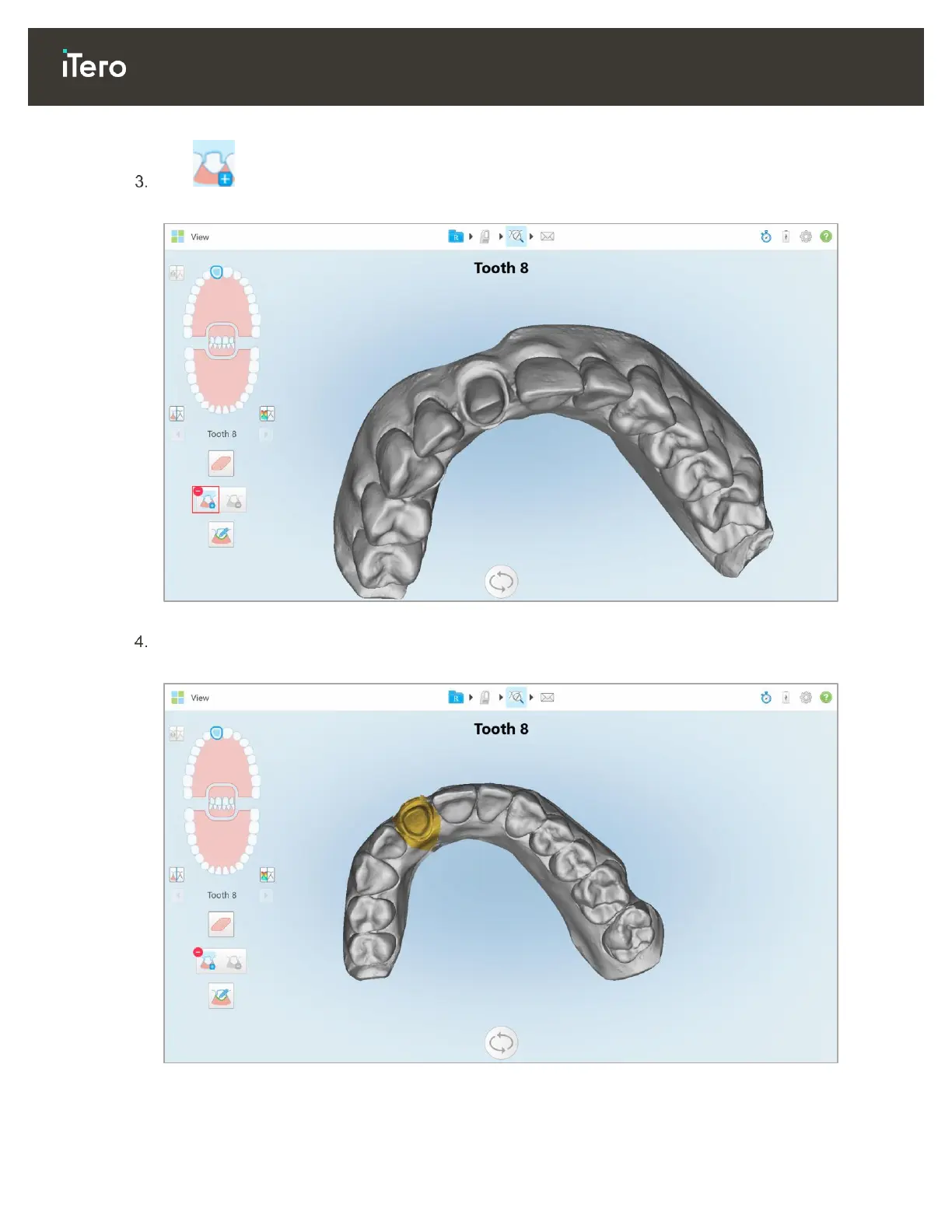
Tap to mark the prepped tooth in high resolution.
The model is displayed as follows:
Figure 92: Before selecting the die separation
Draw the area for the die separation.
The selected area is displayed in high resolution.
Figure 93: Prepped tooth is displayed in high resolution



 To Next Page