iTero Element 2 and iTero Element Flex User Manual
© 2019 Align Technology, Inc. All rights reserved.
2.4.1 Exiting Demo Mode
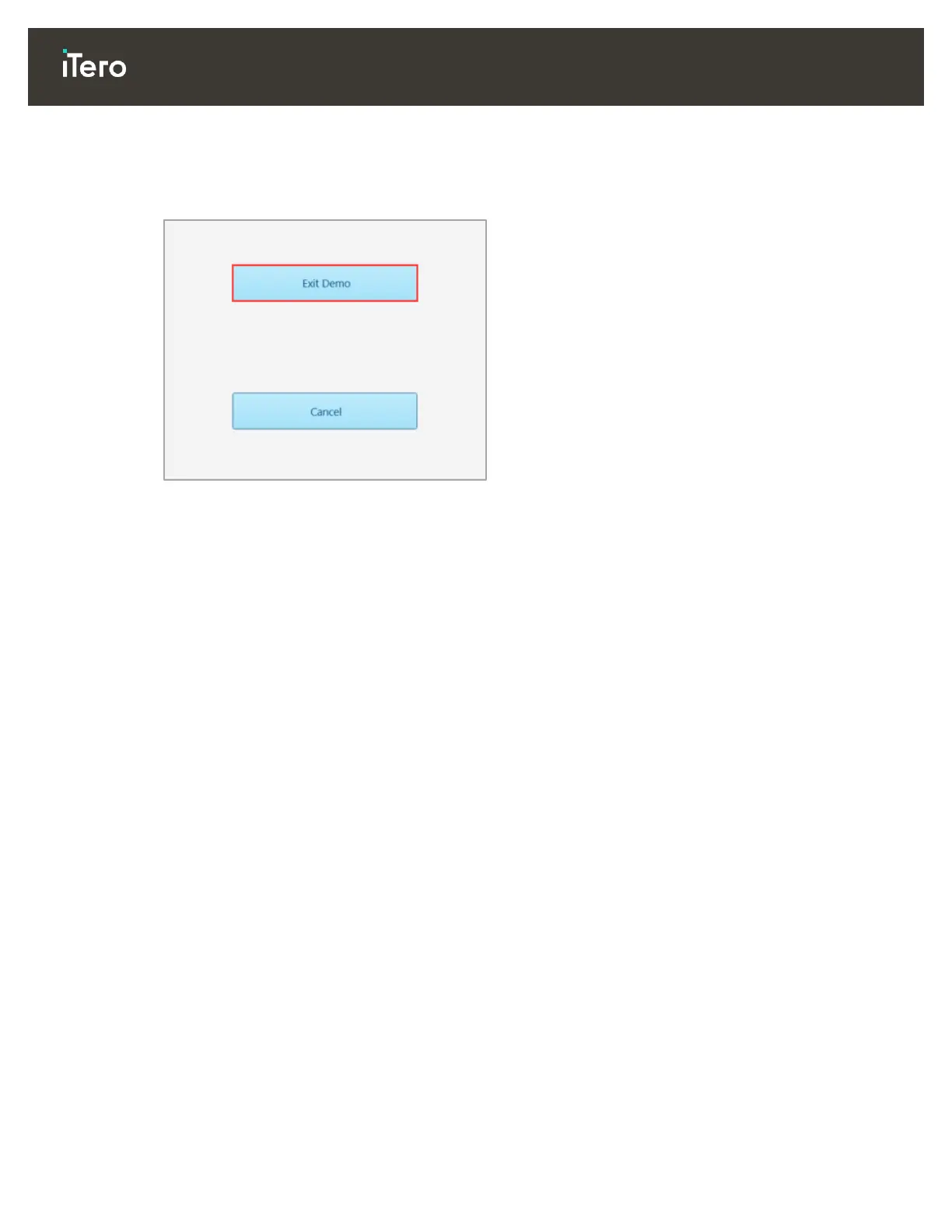
To exit Demo mode:
Tap the iTero Element logo and then tap Exit Demo to exit the demo mode.
Figure 19: Exiting Demo mode
2.5 Registering the scanner – Make It Mine process
When registering the scanner, you need the following to complete the registration process:
User Name
User Password
Company ID
You will receive an email from an iTero representative with login credentials and detailed information on how
to proceed with the Make It Mine process.
Note: If you accessed the Demo Mode from the Welcome page before registering the scanner, you will have
to restart the scanner to access the Make It Mine option.



 To Next Page