Select the default case type:
No Default
Invisalign
iCast
iRecord
Chair Side Milling
Invisalign + iRecord
Vivera
Vivera Pre-Debond
Restorative
Note: The list of available options changes according to your subscription
package.
Tap to save your changes, and return to the Settings window.
3.6.2.3 Defining the signature settings
You can define the default settings that are displayed when sending an order to the lab.
To define the signatures settings:
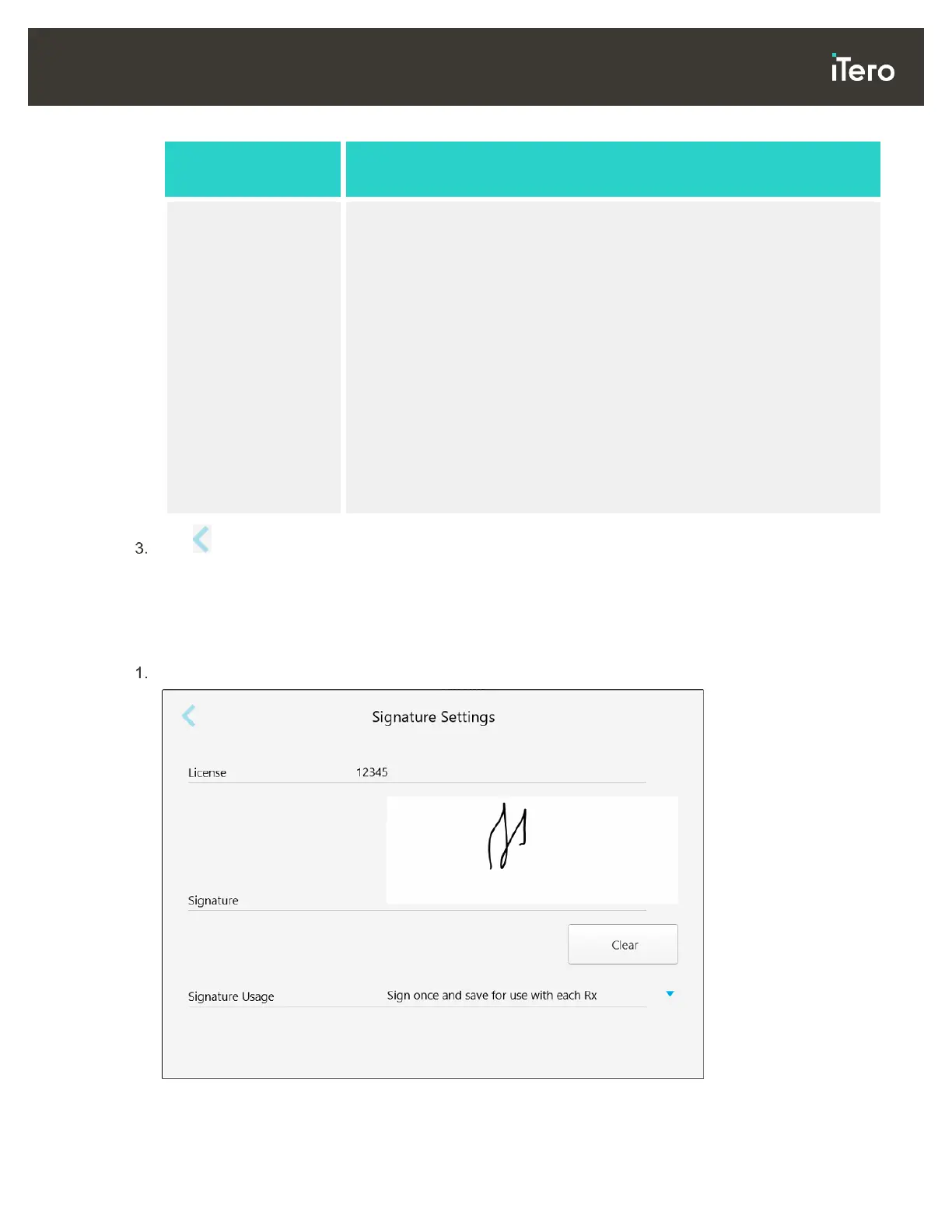
Tap the Signature Settings button.
Figure 48: Signature Settings window



 To Next Page