iTero Element 2 and iTero Element Flex User Manual
© 2019 Align Technology, Inc. All rights reserved.
iTero Element 2 and iTero Element Flex User Manual
Define your default signature settings.
Select one of the following signature options:
Sign once and save for use with each Rx
Do not save my signature (requires a signature for each Rx)
Disable this function (for this user only)
Tap to save your changes, and return to the Settings window.
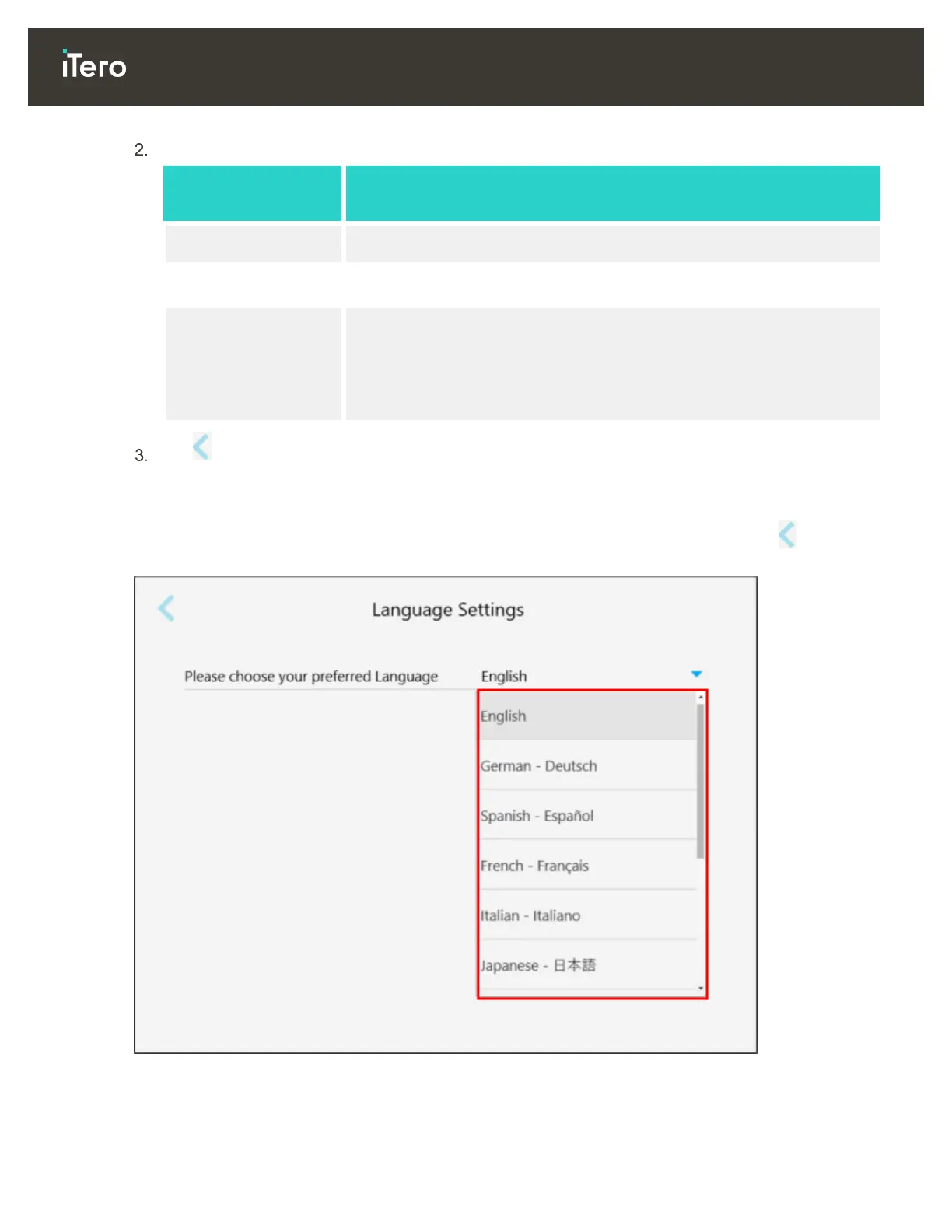
3.6.2.4 Defining the language settings
Tap the Language button, select your required language from the drop-down list, and then tap to save your
changes and return to the Settings window.
Figure 49: Language Settings window



 To Next Page