iTero Element 2 and iTero Element Flex User Manual
© 2019 Align Technology, Inc. All rights reserved.
3.6.3.4 System information
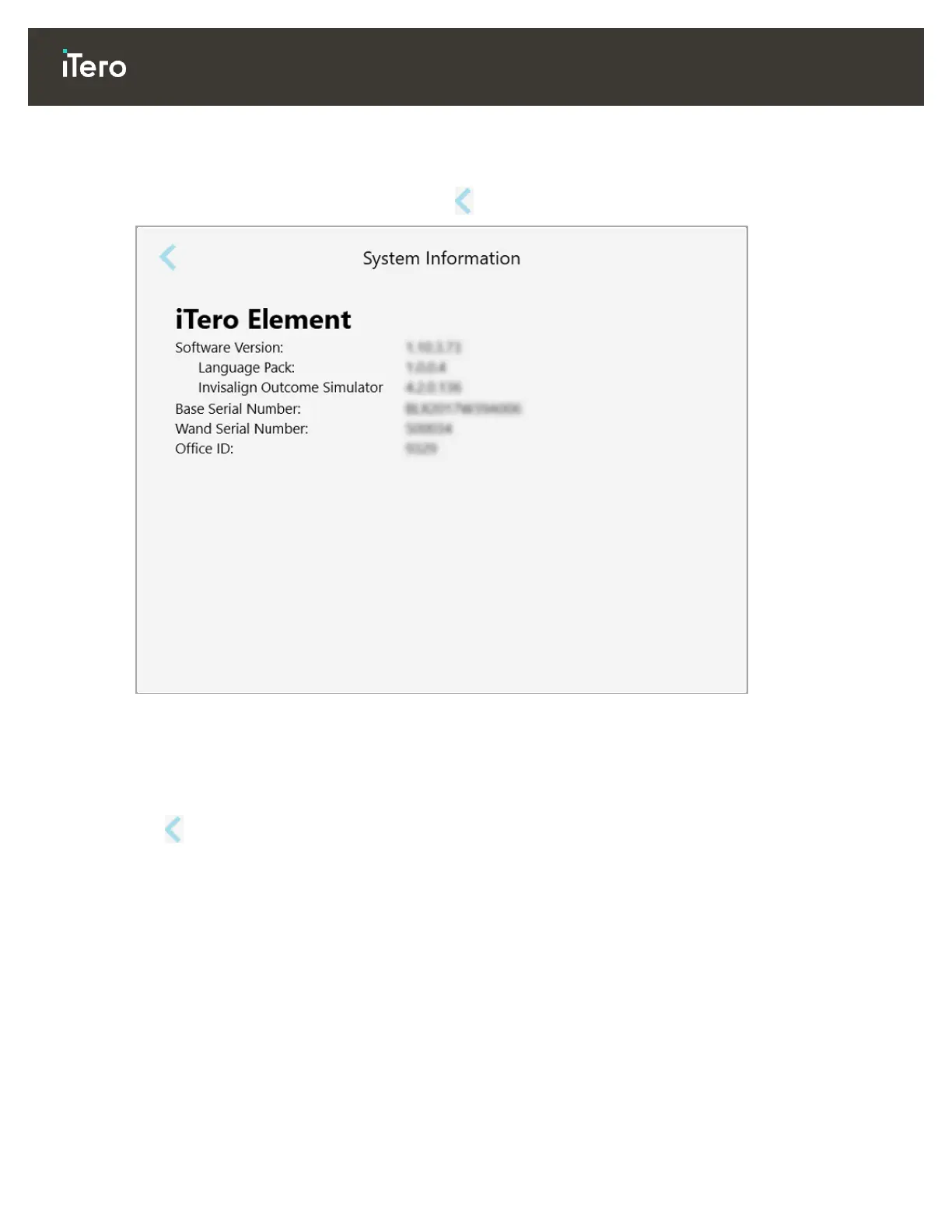
Tap the System Information button to view details about the software versions currently installed and the
hardware serial numbers and ID, and then tap to return to the Settings window.
Figure 53: System Information window
3.6.3.5 Sync configuration
Tap the Sync Configuration button to sync any new updates from the server, for example, new software
options.
Tap to return to the Settings window.



 To Next Page