3.6.3.6 Export settings
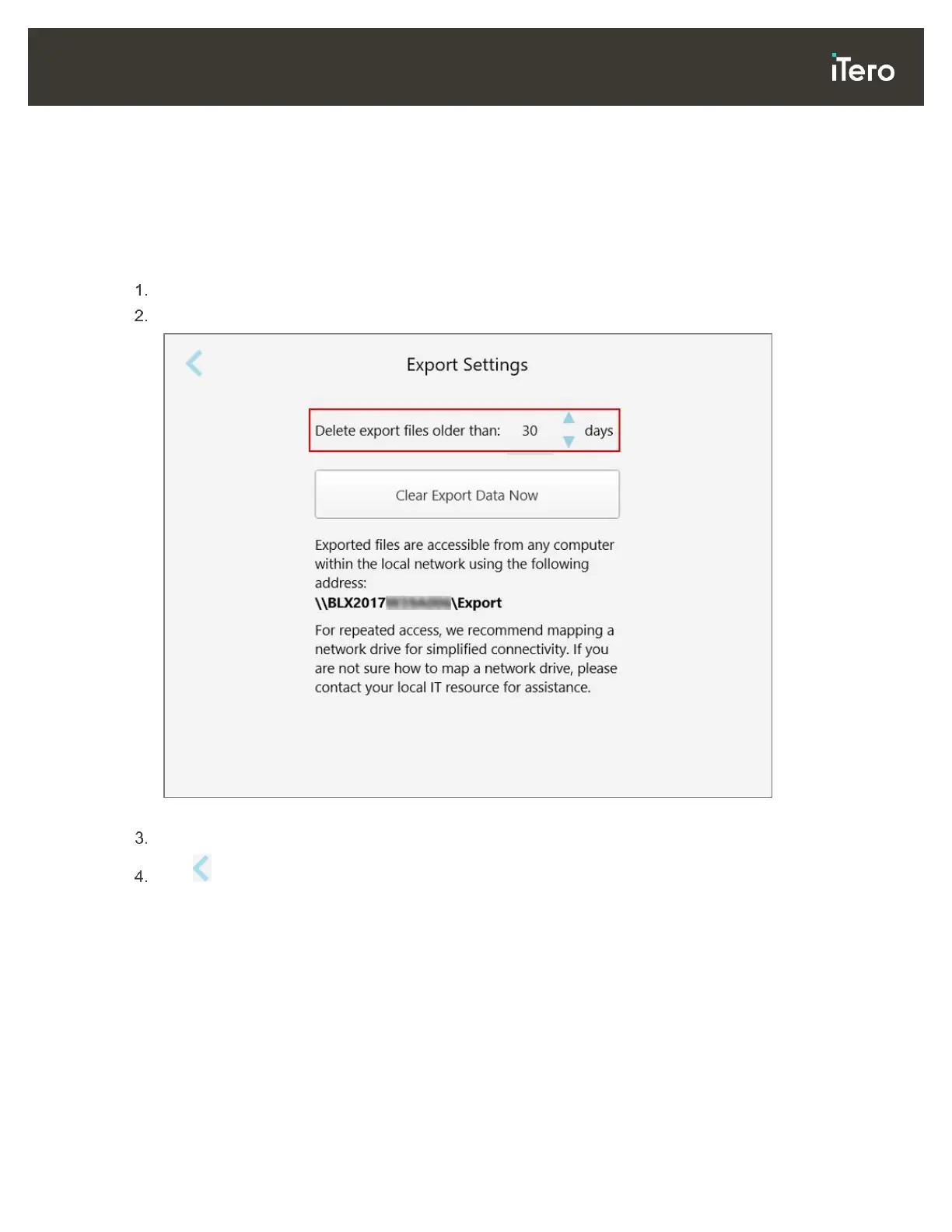
You can define how long exported files should be kept before being deleted. In addition, you can view the local
network address of the exported files, in boldface letters (starting with “\\”). This address is accessible from
any computer within the local network.
Note: If required, you can export the files at any time from MyiTero.
To edit the export settings:
Tap the Export Settings button.
Select the number of days after which exported files should be deleted. By default, this is set at 30 days.
Figure 54: Export Settings window – deleting exported files
If required, click Clear Export Data Now to delete the exported files immediately.
Tap to return to the Settings window.



 To Next Page