11 Clinic LAN network guidelines
11.1 Introduction
The scanner uses Wi-Fi internet connectivity to send and retrieve scans to and from the iTero cloud.
Below are some helpful guidelines for the best Wi-Fi connection.
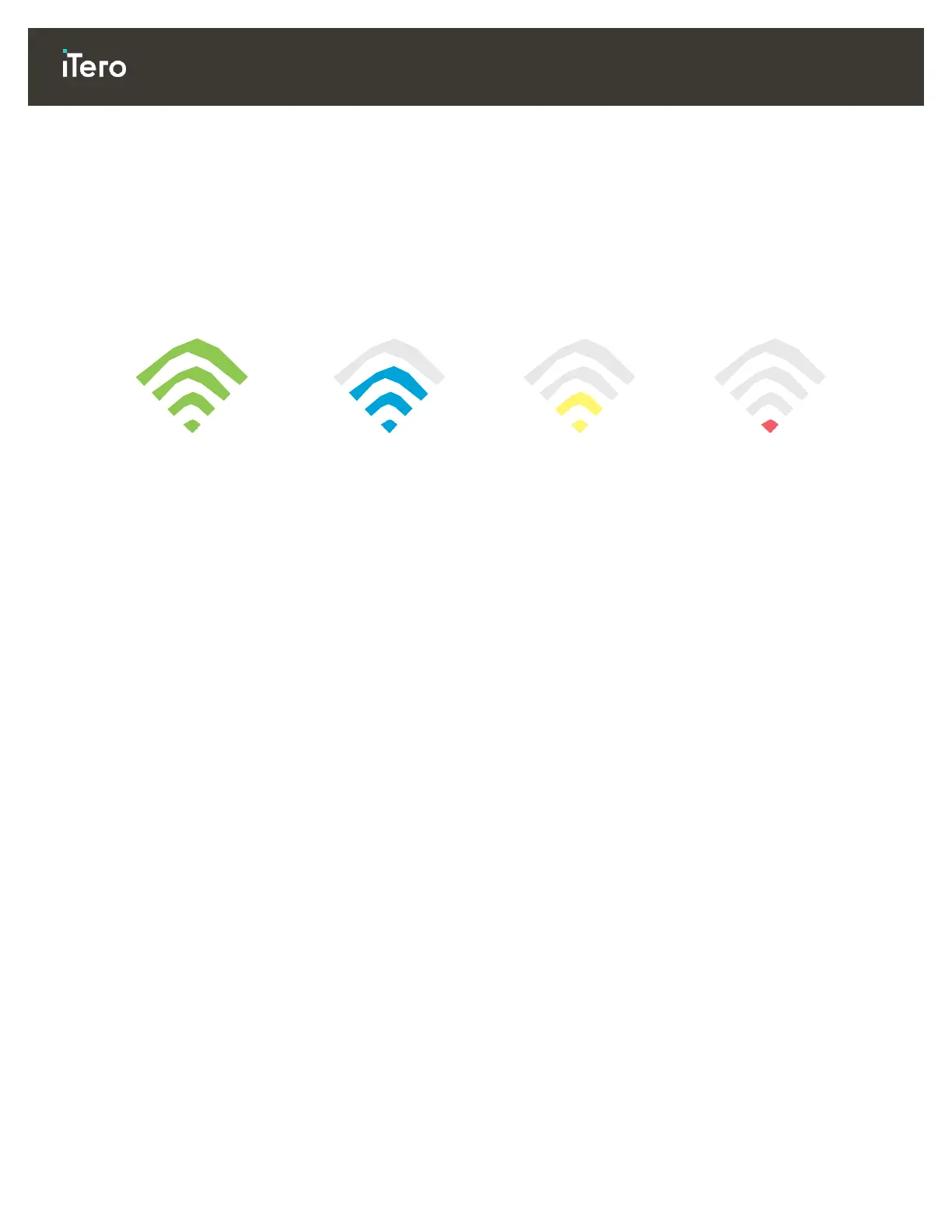
Levels of Wi-Fi Internet Connectivity
IMPORTANT: In order to achieve the best performance of your scanner, ensure that the Wi-Fi signal strength
is Excellent or at least Good.
CAUTION: Ensure that a LAN cable is not connected to the
scanner
when scanning a patient – this is forbidden
due to safety-hazard reasons.
11.2 Preparations
The required modem/router should be configured with the WPA2 security standard, including a password.
Ensure that your
IT
professional staff will be available when the scanner installation
is
planned to take
place.
Make sure that your Wi-Fi SSID credentials are available: Login & password.
The minimum Wi-Fi strength signal for the system should display at least two lines, as shown above.
Following are some suggestions for the office
IT
personnel, regarding what should be considered in order
to prevent issues such as access or connectivity to/with the iTero scanner:
o Hostname recommendations related to Align services listening to ports 80 and 443, as described in
section 11.7.
o Do not prevent FTP communication since the scanner sends specific file types (.3ds and.3dc/.3dm).
o Disable any proxy clients for data communication through TCP/IP.
o Do not add the scanner to any domain group.
o Do not run any group policy on the scanner as it may disrupt its proper functioning.
11.3 Router guidelines
Minimum standards: 802.11N / 802.11AC



 To Next Page